AI Tools Revolutionize Kitchen Cabinet Colors
Kitchen cabinet color design receives a significant upgrade through a new generation of AI-powered tools. These innovations alter the process of selecting, visualizing, and applying colors in kitchens. Individuals undertaking remodels with substantial or limited budgets benefit from technology that delivers professional-level design in an accessible, efficient, and engaging manner.
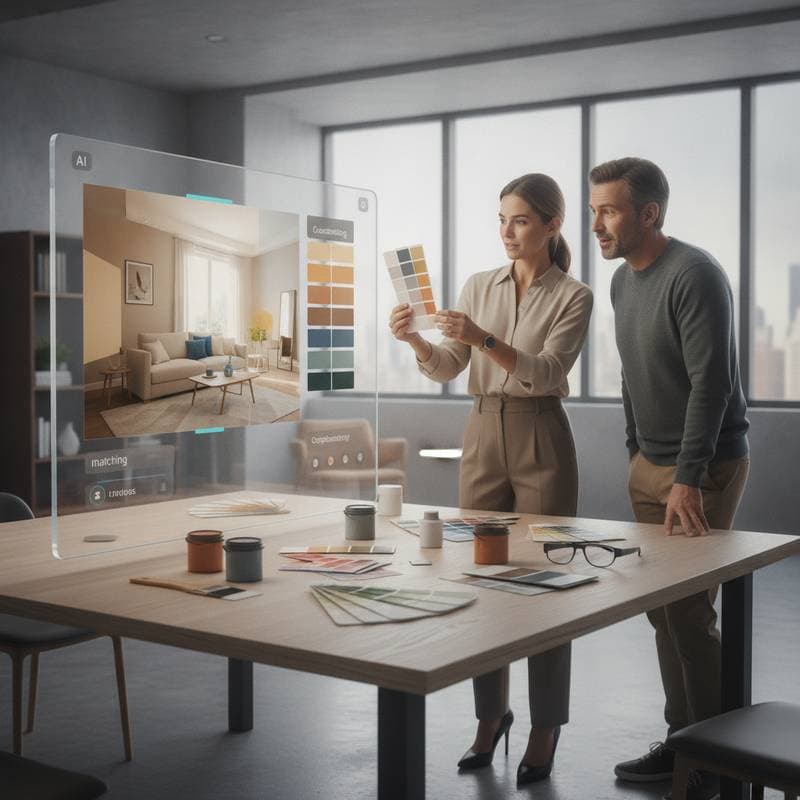
Professionals in television kitchen makeovers recognize color decisions as a primary source of anxiety for homeowners. Smart visualizers and AI-driven color matching now enable users to preview their ideal kitchen prior to any physical application. This capability reduces uncertainty and fosters informed choices.
Smarter Color Selection for Every Budget
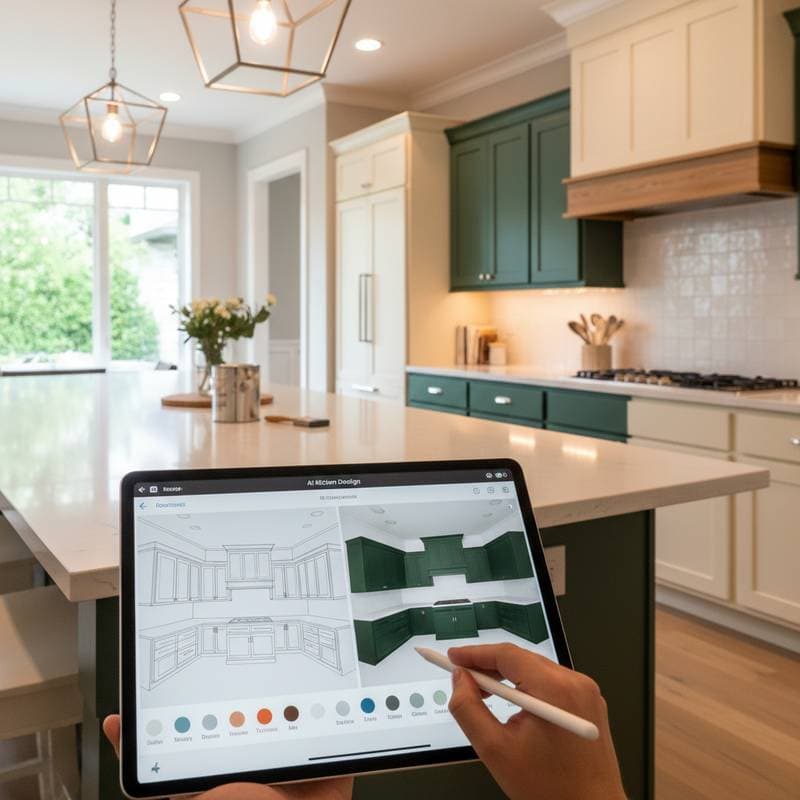
AI tools democratize interior design by providing accessible options for color exploration. Users upload kitchen photos to free or low-cost applications, which generate visualizations of numerous cabinet color variations. No specialized software or formal training proves necessary; a smartphone suffices for experimentation.
For constrained budgets, applications such as RoomGPT or ColorSnap Visualizer employ machine learning to detect cabinet surfaces and apply selected palettes automatically. Platforms like Planner 5D or Modsy provide AI-assisted designs with professional input for $30 to $200 per room, representing a minimal fraction of traditional design service costs.
Advanced users access tools like Morpholio Board or SketchUp AI add-ons to construct full 3D models. These simulate cabinet colors under varied lighting and test finishes such as matte, satin, or gloss in real time. Such capabilities continue to advance, enhancing precision and versatility.
Real-Time Visualization with Camera-Ready Precision
Experience in television home makeovers underscores the importance of lighting and color fidelity. A shade that excels under artificial studio illumination may differ markedly in natural light. AI visualization addresses this by replicating real-world conditions accurately.
These systems utilize smartphone cameras to assess kitchen lighting. They then calibrate displayed colors to reflect the environment precisely, ensuring screen previews align closely with final outcomes. This functionality equates to portable professional expertise.
Consider selecting between soft sage green and deep navy. The AI demonstrates each option across morning light, afternoon sunlight, and evening illumination. In low-light kitchens, the tool recommends brighter tones to maintain an airy atmosphere.
Innovative Combinations You Might Never Have Tried
AI tools extend beyond replication by drawing from extensive design databases, trend analyses, and global forecasts. They propose novel color pairings that expand creative horizons.
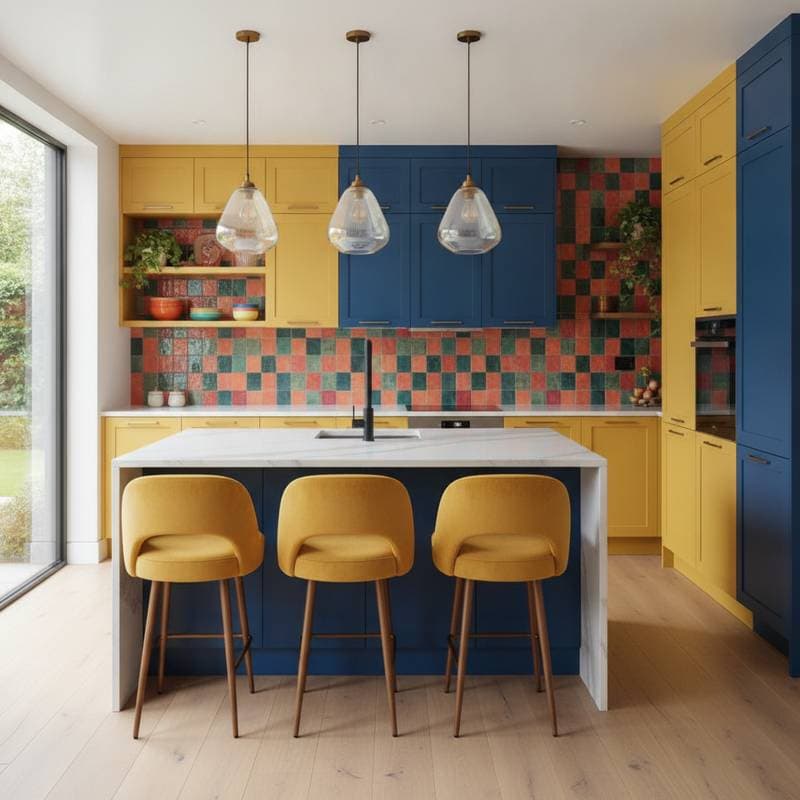
Traditional preferences for uniform white cabinets yield to AI suggestions like warm white uppers paired with muted clay lowers for added depth. Navy blue cabinetry might integrate seamlessly with brushed brass hardware and butcher block surfaces. Such recommendations unlock possibilities overlooked in conventional approaches.
Experimental users benefit from AI color generators like Colormind or Coolors, which derive palettes from uploaded images. A photo of vintage tile, for instance, inspires a cohesive five-color scheme. This process delivers intuitive design innovation.
Cost-Effective Implementation Strategies
Budget considerations guide practical application without necessitating full kitchen overhauls. AI visualizations inform confident selections prior to purchases.
- Cabinet Painting: Professionals charge $1,000 to $3,000 for complete jobs, while DIY efforts require under $200 with quality primer and brushes.
- Peel-and-Stick Vinyl: Ideal for renters, these coverings range from $50 to $150 per set and support pattern previews like faux wood or vibrant hues.
- Partial Upgrades: Target uppers, lowers, or doors only; AI aids in visualizing mixed materials or two-tone effects, with costs from $500 to $1,500.
- Hardware Refresh: Visualizers preview options in gold, chrome, or matte black; swaps cost as little as $50 for the entire kitchen.
These strategies align expenditures with personal style and financial limits, maximizing impact.
The Designer’s Perspective from Television and Beyond
Television design demands unerring color choices that perform on camera and in reality. AI tools replicate this rigor for home users, previewing appearances across lighting and angles akin to professional productions.
Drawing from vast project data, these systems identify resonant combinations and forecast emerging trends. They function as ongoing consultants attuned to user preferences.
Creativity remains user-driven, with AI accelerating exploration. Homeowners hesitant about bold selections gain reassurance through previews, enabling deliberate commitments.
Turning Inspiration into Action
After identifying an ideal cabinet color, transition to execution with integrated AI support. Platforms link to retailers for material sourcing, displaying current prices, or generate shopping lists.
DIY enthusiasts access in-app video tutorials for guidance. Professionals receive downloadable specifications for accurate implementation. This integration streamlines the process.
Homeowners have achieved weekend transformations using AI to evaluate shades, such as selecting muted olive after testing fifteen greens. Their $300 DIY paint project yielded professional results, bolstered by prior visualization.
Living with Your New Design
Post-completion, AI tools sustain design evolution. Save finalized layouts for reference in subsequent updates, like wall colors or countertops, ensuring harmonious integrations.
Trend monitoring within applications suggests refinements, such as backsplash patterns enhancing navy cabinets or gold hardware complementing sage green. These options maintain freshness without extensive renovations.
This approach instills ongoing creative autonomy, allowing kitchens to adapt to lifestyle shifts while preserving affordability and assurance.
Implement Your Vision
Kitchens serve as home centers, with color defining their vitality. AI tools equip users to explore, strategize, and realize personalized, expert-quality spaces.
Experiment with smoky teal, creamy taupe, or matte black through previews. Refine selections, then apply them confidently. Design becomes an empowering pursuit, elevating kitchens to focal points of style and function.