AI Color Matching Selects Paint That Suits Your Lighting
Standing in a store aisle, many homeowners compare paint chips that appear similar under fluorescent lights yet shift dramatically at home. Photographs on a phone rarely convey true hue or undertone. AI color matching systems address this gap by processing actual room conditions rather than relying on memory or printed swatches.
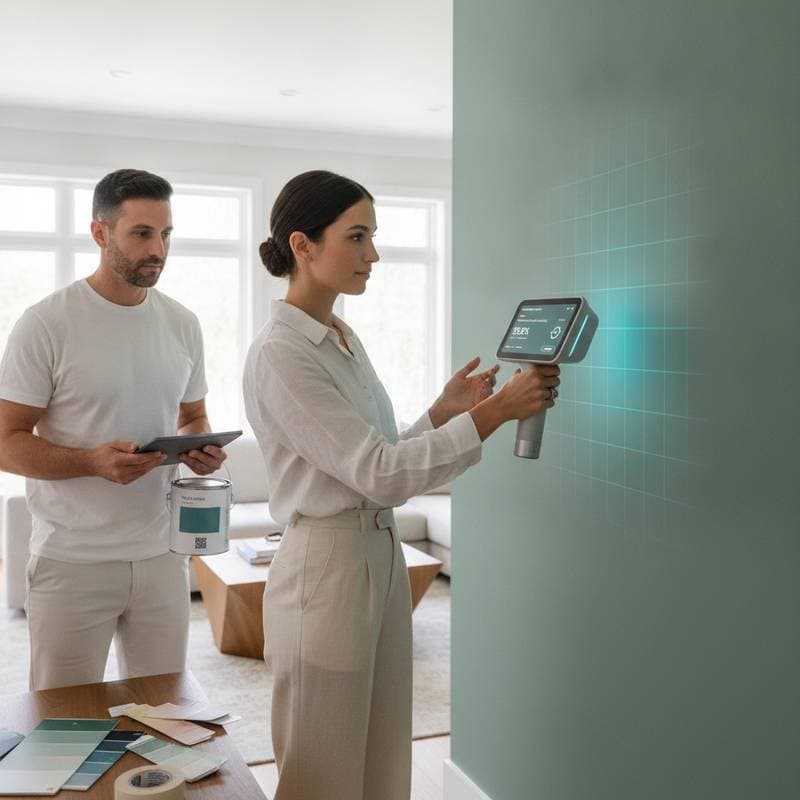
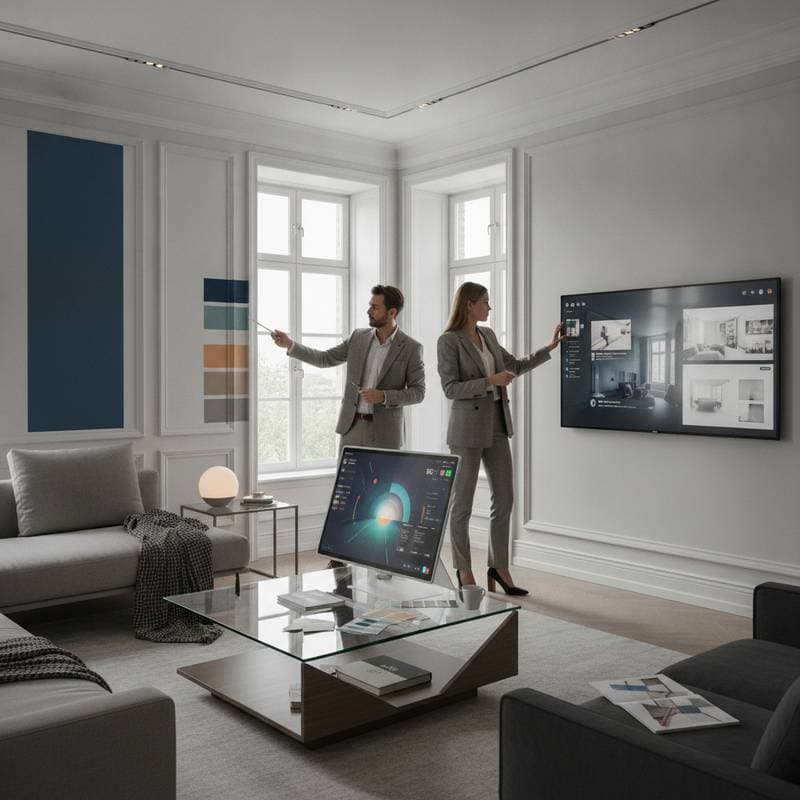
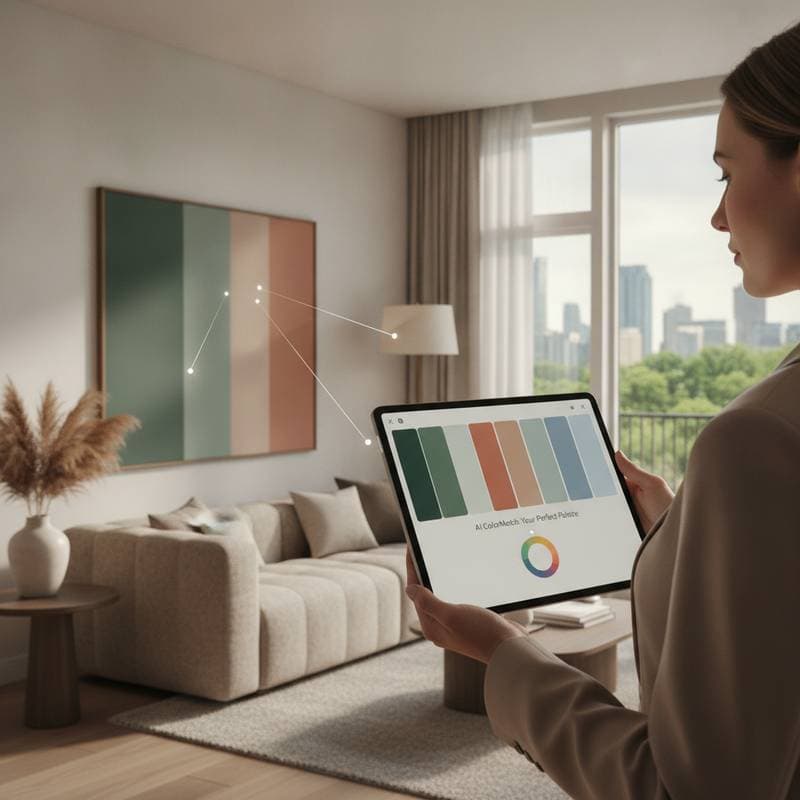
These tools examine uploaded images to detect dominant colors, subtle undertones, and surface textures. They then compare findings against verified paint libraries while accounting for natural light, artificial bulbs, and nearby materials. The result is a set of recommendations that hold steady once applied.
Image Analysis and Lighting Adjustment
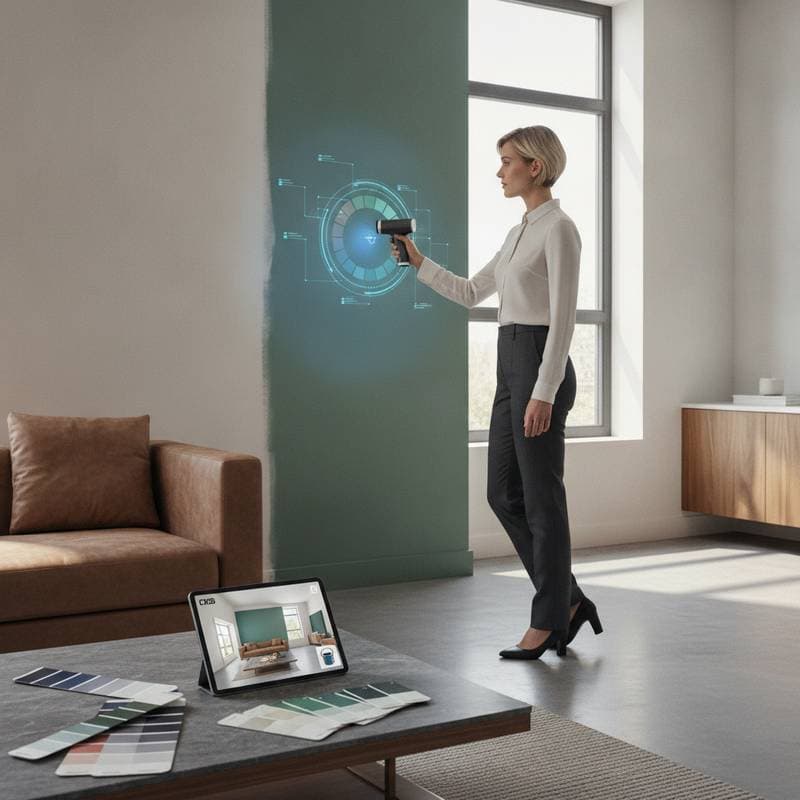
The process begins when a user uploads a photograph taken in daylight. Software evaluates each pixel to map existing tones and identify how wall texture interacts with light sources. Advanced models simulate the same colors under incandescent, LED, or mixed lighting to predict final appearance.
This step replaces repeated store visits and sample purchases with immediate digital previews. Users see how a proposed gray reads warm or cool before any product reaches the wall.
Advantages Over Traditional Sampling
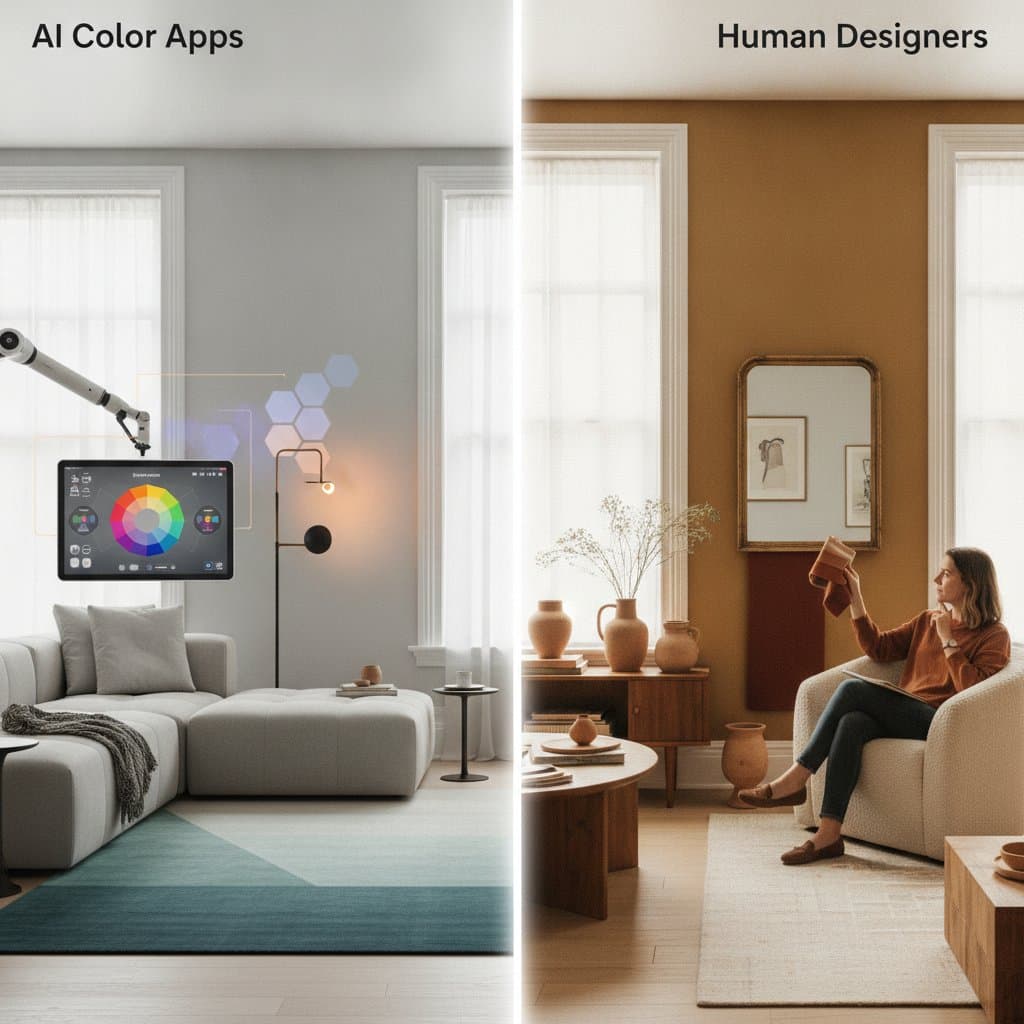
Conventional methods require multiple rounds of tester pots that often dry to a different value than expected. AI color matching shortens the cycle by delivering coordinated palettes that reference real brand data. Key benefits include faster turnaround, reduced waste, and greater alignment with existing furnishings.
- Results generate within minutes instead of days of testing.
- Adjustments incorporate measured lighting values and finish types.
- Palettes draw from verified manufacturer libraries.
- Visual simulations allow side by side comparison before purchase.
Practical Steps for Homeowners
- Capture a well lit photograph of the target space during peak daylight hours.
- Submit the image to an AI color platform or brand application.
- Indicate the desired mood, such as warm neutrals or high contrast.
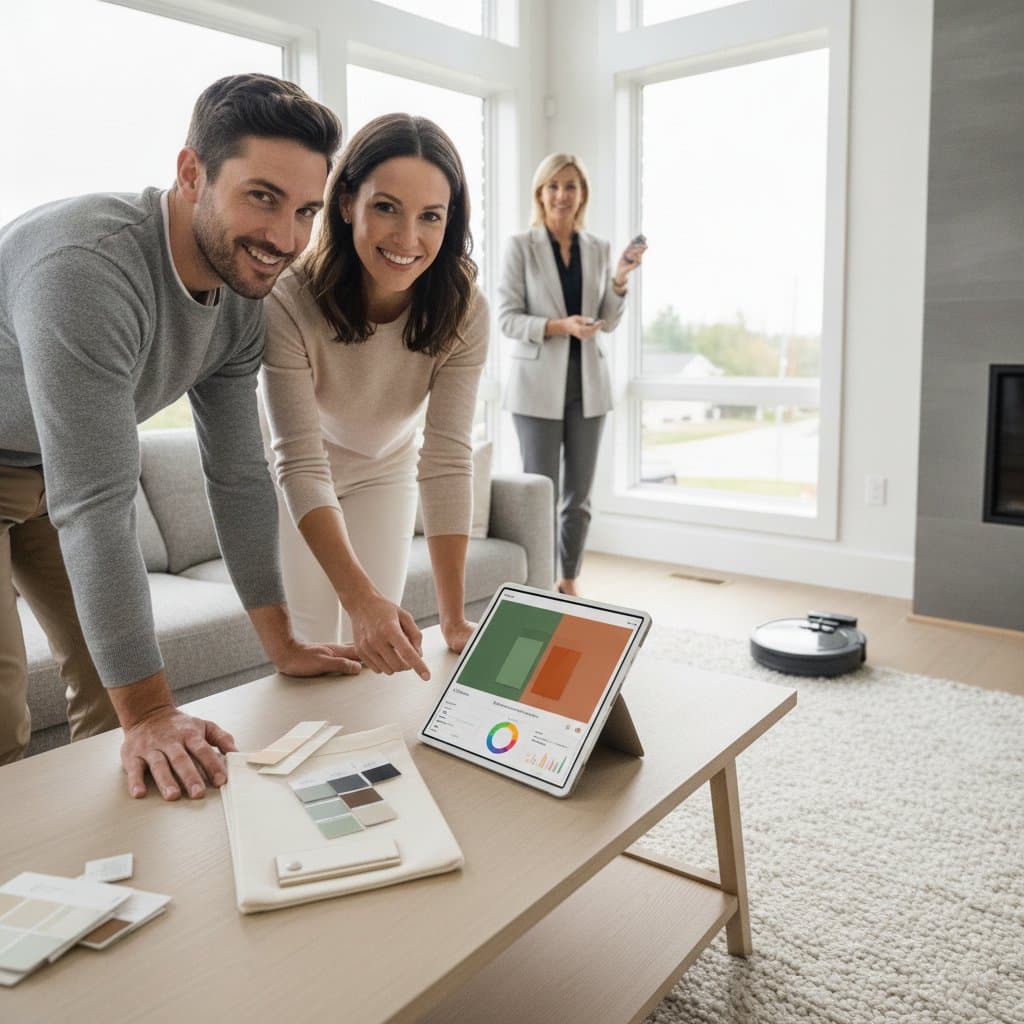
- Examine returned palettes against flooring, trim, and furniture.
- Request physical samples of the top selections for final verification.
- Proceed with the chosen color once real world conditions confirm the preview.
Budget and Project Planning
Basic AI color tools are available at no cost through many manufacturer sites. Professional sessions that combine software output with designer oversight range from 20 to 100 dollars. Larger projects may benefit from an in person consultation priced between 150 and 400 dollars, which still costs less than corrective repainting.
Interior painting requires no special permits, yet proper ventilation remains essential. Homes constructed before 1978 should receive lead testing before surface preparation begins.
Applying the Palette in Daily Life
After application, spaces gain visual cohesion because each color accounts for actual light movement across the day. Furniture and textiles integrate more naturally, and seasonal changes to accessories become simpler to coordinate. The technology supplies a reliable foundation while leaving room for personal preference in accents and textiles.
Apply These Tools to Your Next Project
Test an AI color matching service on a single wall before committing to a full room. Observe the selected colors across morning, afternoon, and evening light, then adjust as needed. The method delivers measurable time savings and fewer costly revisions while preserving individual style.