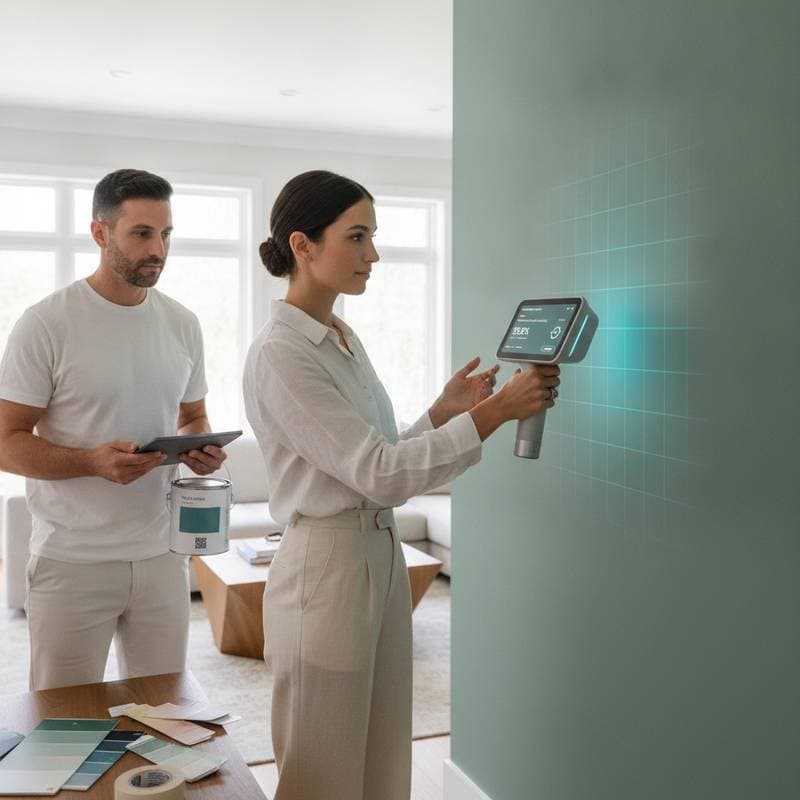
AI Scans Rooms Instantly For Flawless Paint Color Matches
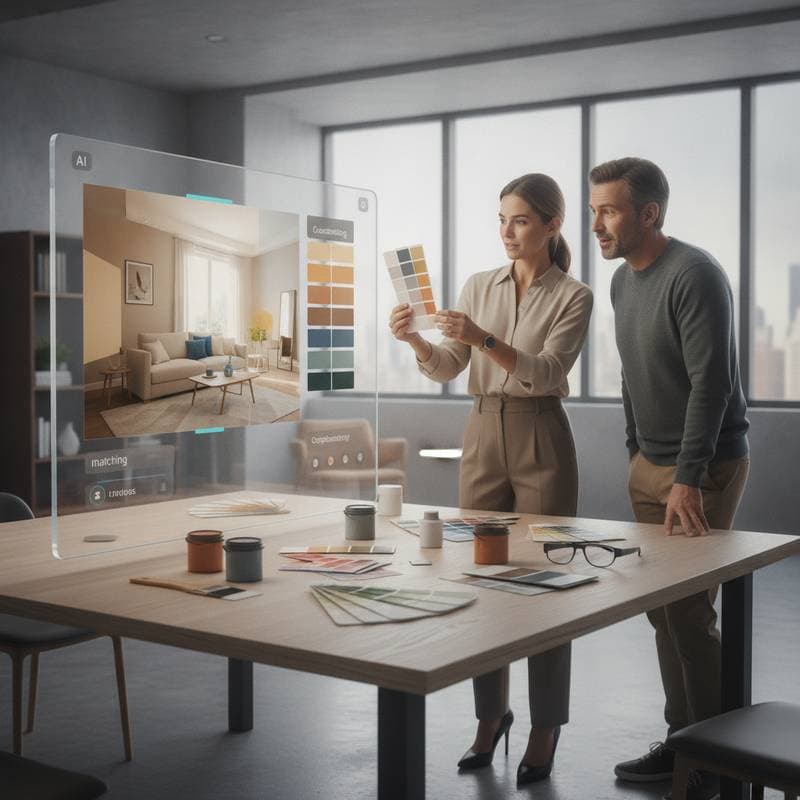
Finding the right paint color has always been one of the biggest frustrations in home improvement. As a contractor, I have watched homeowners agonize over tiny swatches under hardware store lighting. The result often disappoints once the color appears on the wall. Light, texture, and existing finishes all influence how a color appears. New AI-driven tools now change that process by scanning entire rooms instantly. They generate precise color matches that consider real lighting and surface conditions.
From my professional experience, this technology makes life easier for homeowners. It also helps contractors, designers, and painters avoid miscommunication, wasted materials, and time-consuming repaints. Like any tool, you need to understand its proper use and limitations to get the full benefit.
The Problem: Why Color Matching Goes Wrong
Color matching mistakes cost homeowners and contractors money. When a paint job does not turn out as expected, you face extra labor, material waste, and potential client dissatisfaction. The most common reasons include the following.
- Lighting conditions. Store lighting rarely matches the lighting in your home. Fluorescent bulbs in a store can distort undertones that appear warm or cool depending on your space.
- Surface texture. Matte finishes absorb light, while glossy finishes reflect it. The same color can look entirely different depending on texture.
- Environmental influence. Natural light shifts throughout the day. Wall colors interact with flooring, furniture, and window treatments.
- Human perception. Our eyes interpret colors differently depending on surrounding tones. A color that looks gray in isolation may appear blue when placed next to beige.
Traditional methods rely on guesswork and small samples. Even spectrophotometers, which read color samples scientifically, can misread surfaces if dirt, sheen, or lighting interfere. AI color-matching systems aim to correct these variables by analyzing full-room data instead of isolated samples.
How AI Color Scanning Works
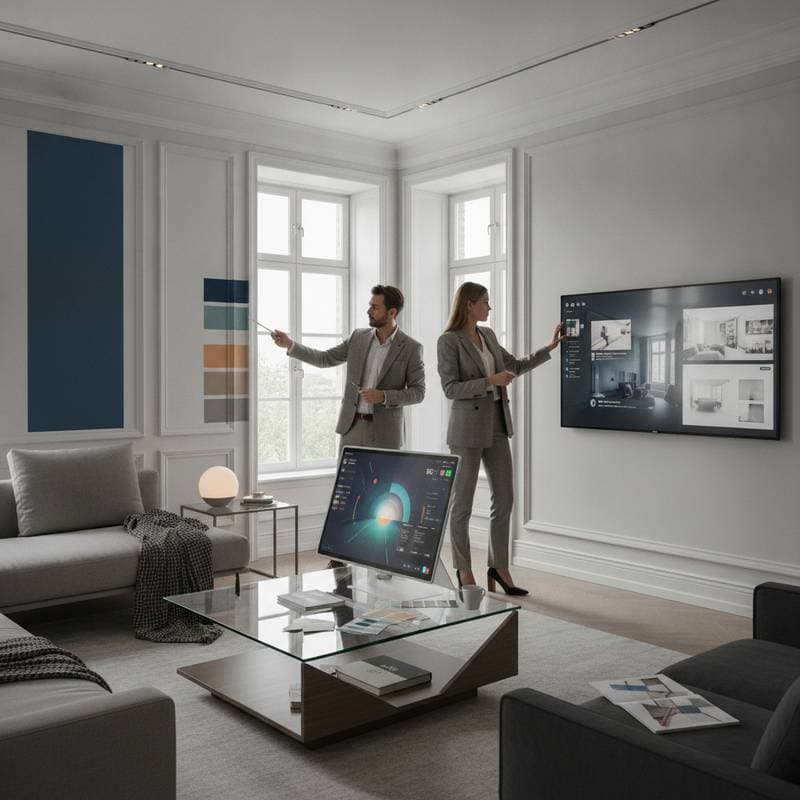
AI color scanning tools use advanced image processing and machine learning to interpret real-world environments. Instead of focusing on a single chip or patch, the system captures a detailed digital model of your entire room. The process usually involves several key steps.
- Room scanning. The user takes panoramic or multiple overlapping photos of the space using a smartphone or a dedicated scanning device.
- Data analysis. The app algorithm identifies walls, trim, furniture, and lighting sources. It then calculates how light interacts with each surface.
- Color mapping. The AI isolates the true paint color values by adjusting for shadows, reflections, and surface textures.
- Matching and recommendations. The program compares the color data to thousands of manufacturer color libraries. It can also suggest complementary shades for accent walls, ceilings, or cabinetry.
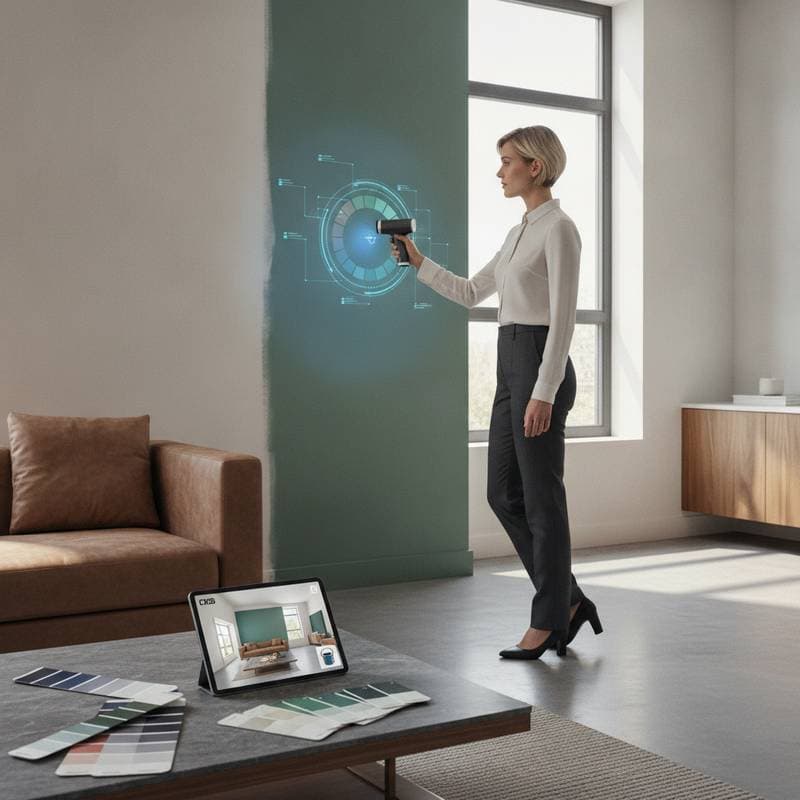
In my line of work, I have seen these tools perform impressively well, especially when used for color matching during repaint projects. Instead of cutting out drywall samples or trying to match a faded patch, we can scan the wall and get a nearly perfect match within minutes.
Real-World Benefits for Homeowners and Contractors
The practicality of AI color scanning extends far beyond convenience. It changes the workflow for both sides of a project in several ways.
- Eliminates guesswork. The tool captures actual lighting conditions, so you are not relying on memory or small samples.
- Saves time. Contractors can produce color matches on-site without sending samples to a paint supplier.
- Reduces cost. Fewer test gallons, fewer repaints, and less wasted labor mean better margins for both clients and contractors.
- Improves communication. Homeowners can visualize how colors look in their own rooms before painting. This prevents misunderstandings about expectations.
- Supports documentation. Digital records of colors, finishes, and formulas can be stored for maintenance or future projects.
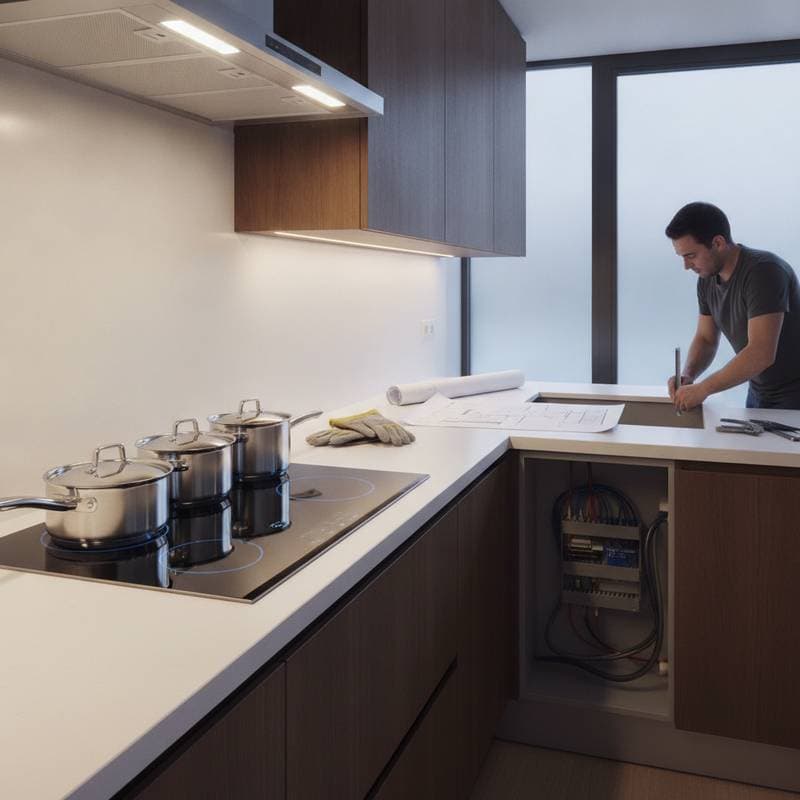
For example, I worked on a kitchen remodel where the client wanted to match the existing cabinet color after adding new trim. In the past, that would have required multiple sample tests. Using an AI scanner, I captured the color data from an interior corner where the finish was least faded. The system matched it accurately, and the result blended seamlessly with the original cabinetry.
Common Misconceptions About AI Color Matching
As with any new technology, there are misunderstandings about what these tools can and cannot do. I have noticed three recurring misconceptions.
- It can match any surface perfectly. AI scanners work best on matte or satin painted surfaces. They struggle with glossy finishes, metallics, or surfaces with heavy texture. Always take multiple scans and compare results.
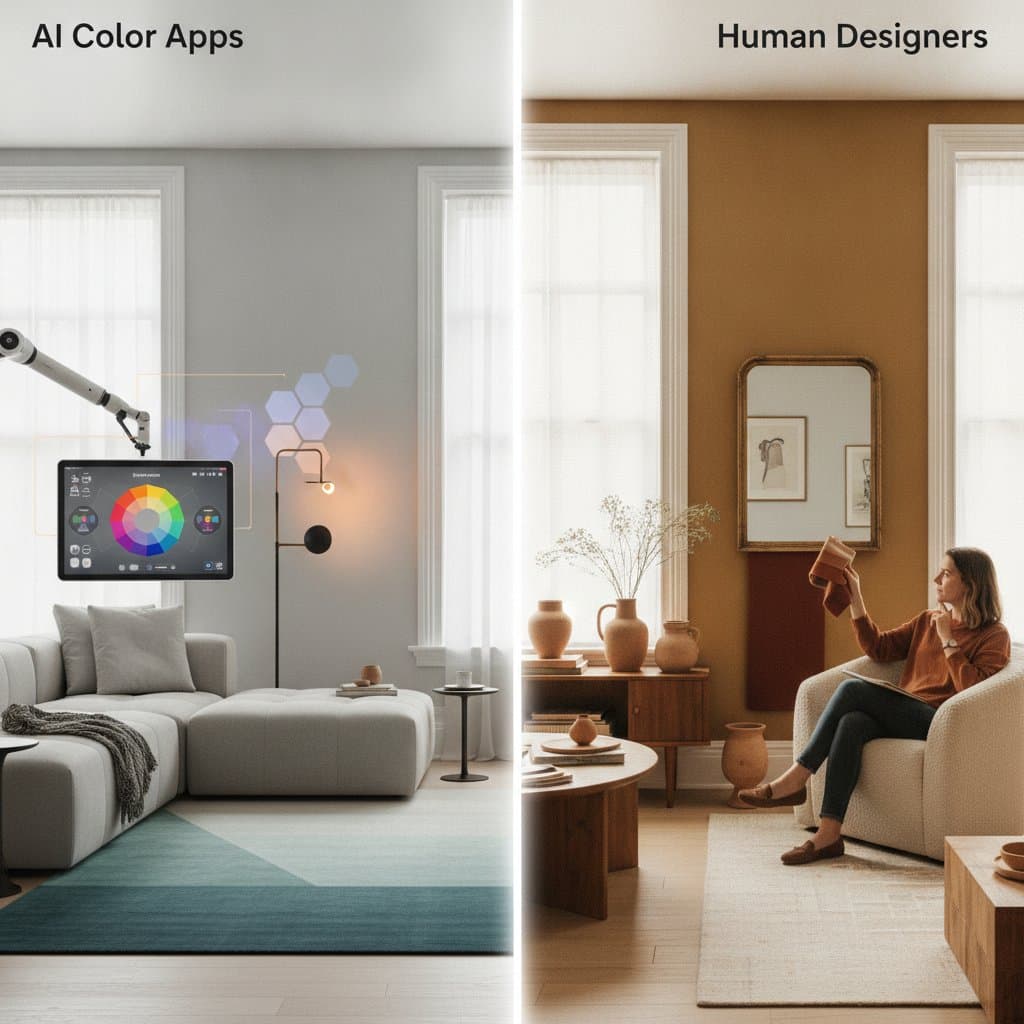
- It replaces professional judgment. The tool helps identify accurate color data, but it does not account for design intent or personal taste. A professional still needs to evaluate undertones, scale, and lighting changes throughout the day.
- It is foolproof. Even the best scanners can misread colors under extreme lighting or when scanning dirty, damaged, or uneven surfaces. Always clean and prep the area before scanning.
Understanding these limitations keeps expectations realistic and ensures better outcomes.
How to Use AI Scanning Tools Effectively
If you are considering using an AI color scanner for your next paint project, follow these steps to get the most reliable results.
- Prepare the room. Clean surfaces and remove any shiny or reflective objects that could distort the scan.
- Use consistent lighting. Turn on all lights you normally use in the room. Avoid scanning during rapidly changing daylight.
- Take multiple angles. Scan from different positions to give the AI a complete view of the space.
- Check color accuracy. Compare the suggested match to small test patches on the wall before committing to a full paint job.
- Save your data. Keep digital records of color codes and manufacturer references for future touch-ups or expansions.
When used properly, these steps create a level of accuracy that traditional methods rarely achieve.
The Contractor Perspective
From the contractor side, AI color scanning simplifies project planning and reduces disputes. Homeowners often remember colors differently from what was originally used. With digital records, we can pull up exact formulas and ensure consistent results across multiple rooms or properties.
It also helps when working with insurance repairs or restorations. Matching old paint after water or smoke damage is notoriously difficult. AI scanning allows us to recreate the original color even when the surface has aged or discolored slightly. This prevents visible patchwork and maintains property value.
The Financial and Legal Edge
Homeowners often overlook the legal and financial benefits of digital color documentation. If you ever need to file a warranty claim or insurance report, having verified color data makes the process smoother. It also protects contractors from liability over color discrepancies. Written color documentation, including digital AI scans, should always be attached to contracts or project records. This protects both parties by clearly defining expectations before work begins.
The Future of Paint Technology
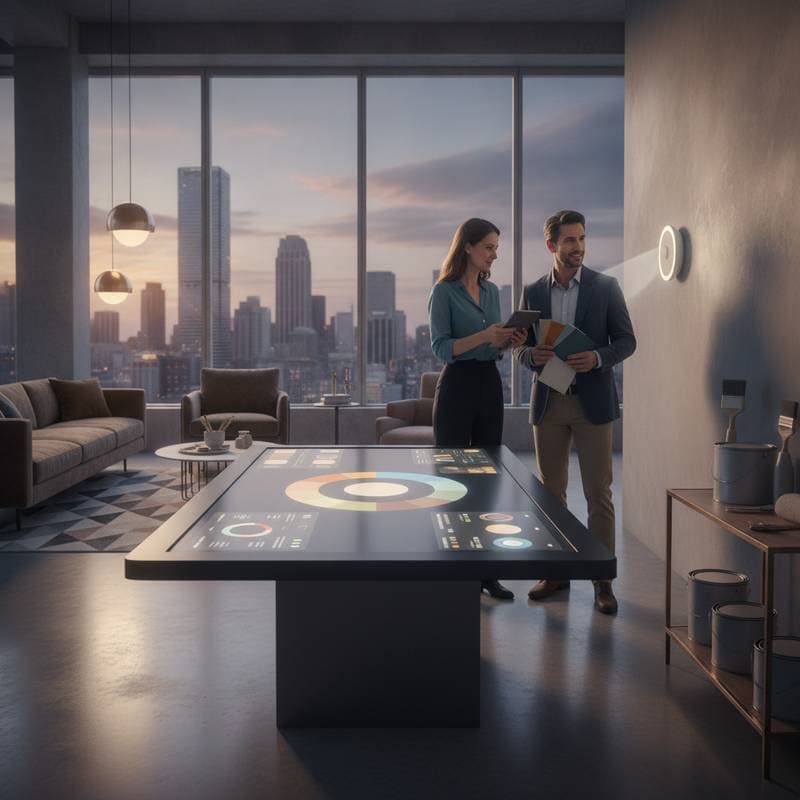
AI integration in the paint industry is moving quickly. Manufacturers are developing systems that not only match colors but also predict how they will look under different lighting temperatures or with specific finishes. Some platforms are already linking scanning apps directly to paint retailers, allowing customers to order matched paint blends immediately after scanning.
In my experience, this technology will not replace the human eye or professional judgment, but it will make the process faster, more precise, and far less stressful. As these systems evolve, contractors who adopt them early will have a competitive advantage in accuracy and customer satisfaction.
Next Steps for Your Project
If you are planning a repaint, renovation, or color restoration, consider integrating AI color scanning into your process. Start by selecting a trusted app or device that supports your preferred paint brands. Work with a contractor who understands how to interpret digital results and apply them correctly.
For homeowners, this means fewer surprises, better color harmony, and a smoother project from start to finish. For contractors, it means fewer callbacks and stronger client relationships built on transparency and precision.
Perfect color matching may never be entirely effortless, but with AI scanning, it is finally becoming predictable. In remodeling, predictability is often the difference between a project that frustrates and one that impresses.