AI Color Matching Transforms Your Interior Design Choices
You stand in the paint aisle staring at hundreds of color cards. The lighting in the store differs from the lighting at home. Your phone camera fails to capture the exact tones you want. Choosing paint colors often feels like guesswork. New AI color matching technology changes that experience.
The Problem: Color Guesswork and Costly Repaints
Selecting the right color remains one of the hardest parts of interior design. A warm beige in the store may turn greenish in your living room. Homeowners spend hundreds of dollars on paint and labor only to discover the shade fails to work. Repainting adds frustration and expense.
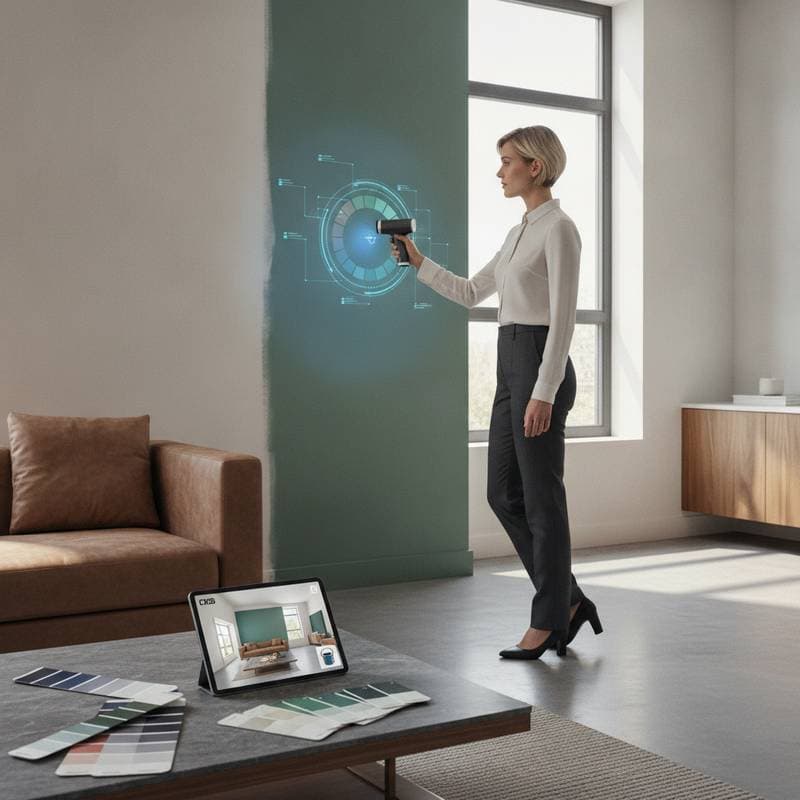
AI color matching software reduces those mistakes. It reads the lighting, undertones, and finishes in your space. The tool then recommends exact color matches from a paint brand catalog. You test options digitally before opening a can of paint.
How AI Color Matching Works
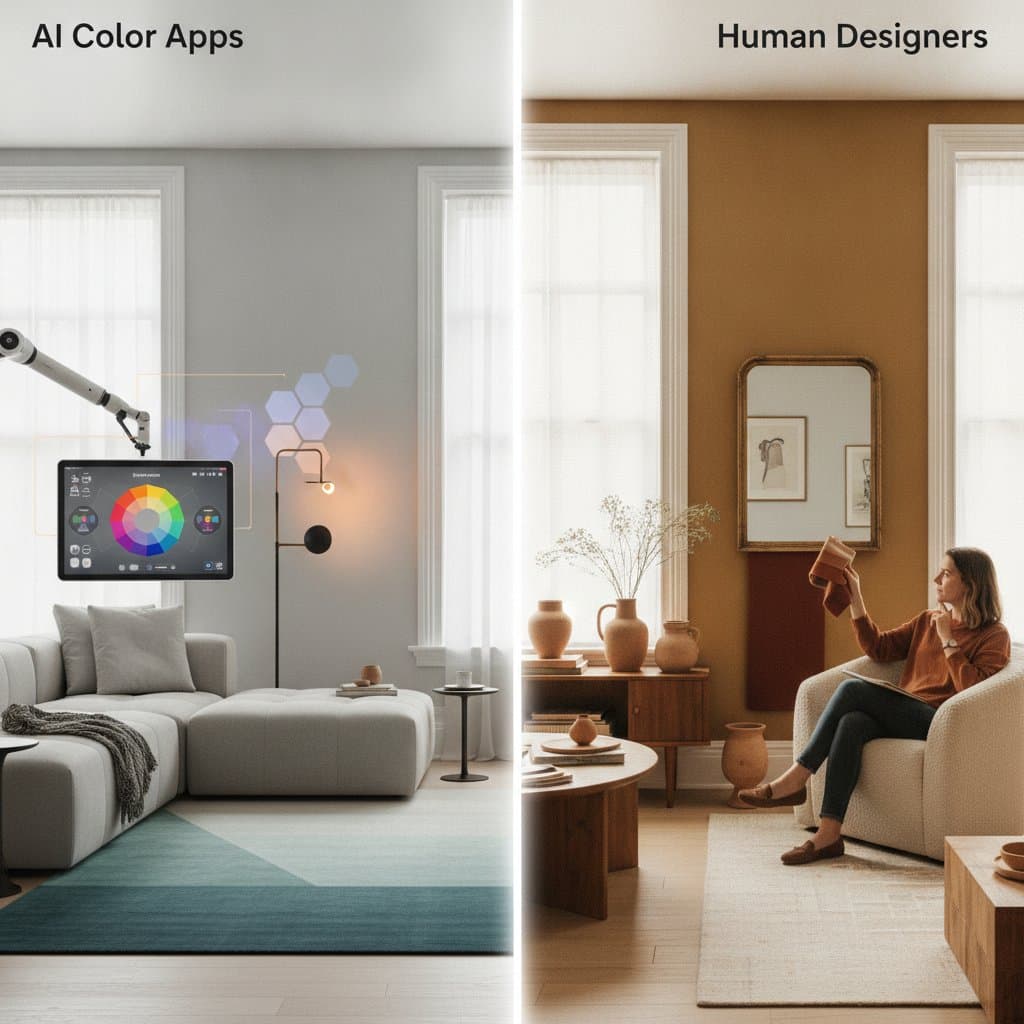
AI color matching tools rely on image recognition and machine learning. You upload a photo of your room or a fabric sample. The software analyzes the image pixel by pixel. It identifies dominant colors, subtle undertones, and light interaction with surfaces. The system suggests matches that coordinate with flooring, trim, or furniture.
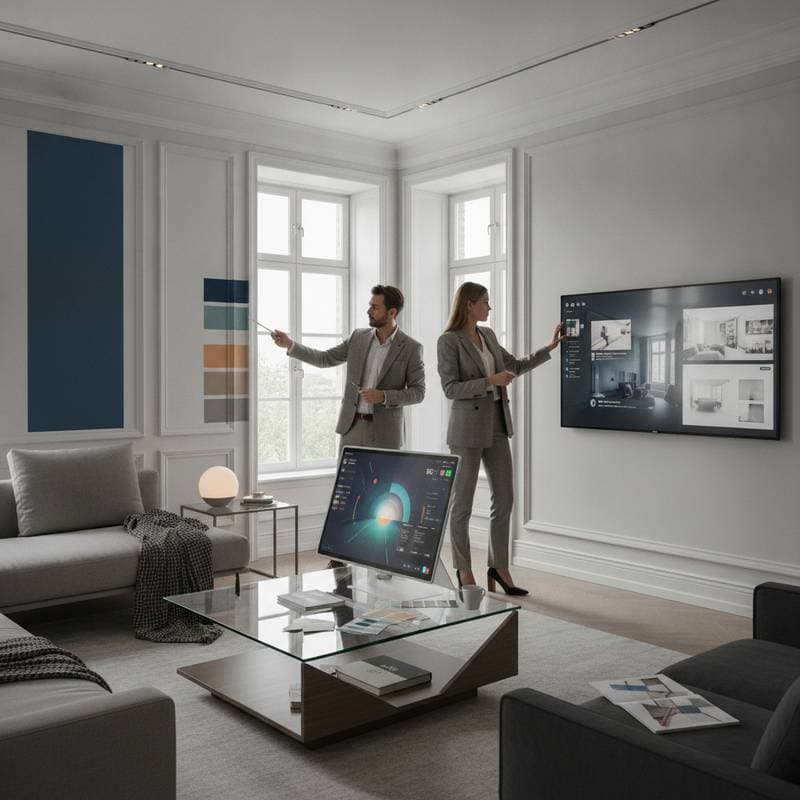
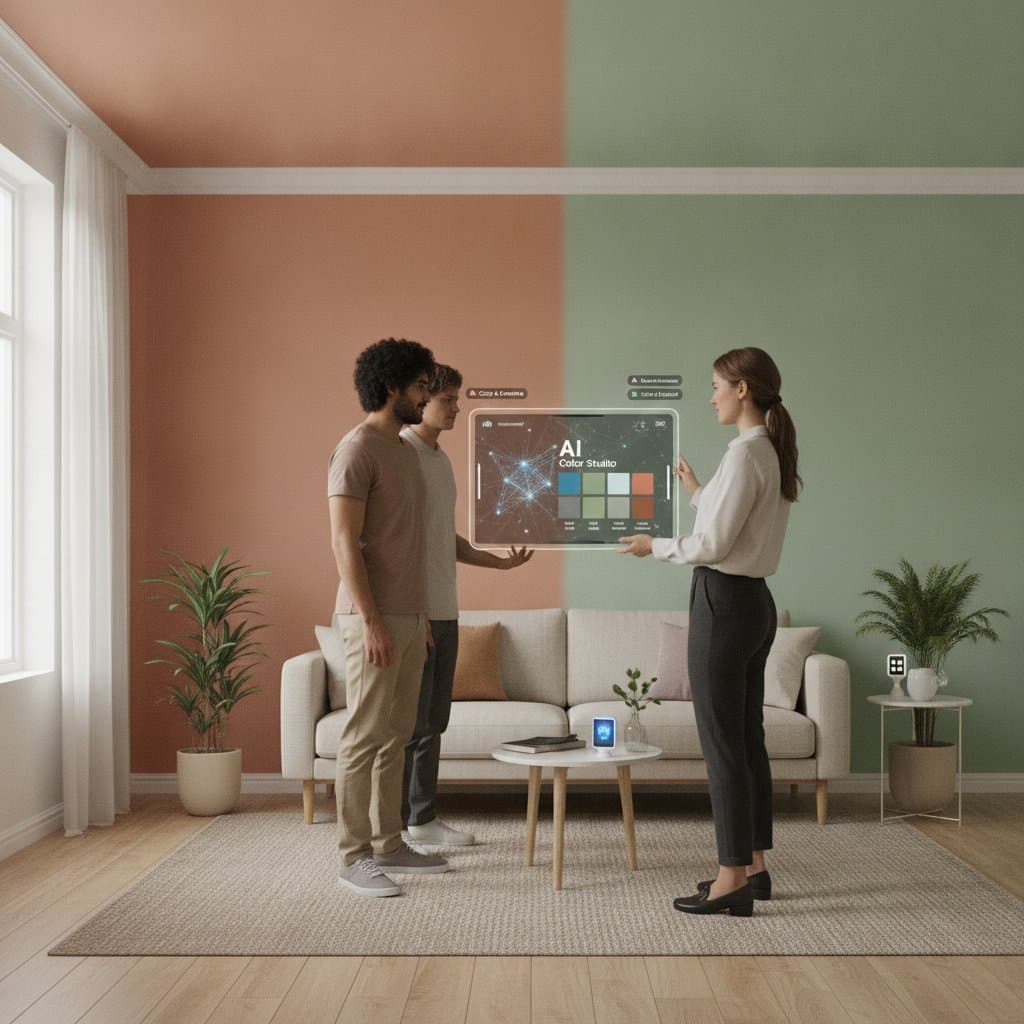
Some tools create digital mockups. You paint walls virtually and view results under different lighting conditions. Others connect with smart home devices for real-time color previews.
Step-by-Step: Using AI for Smarter Color Selection
- Capture an accurate image. Photograph your room in natural light. Avoid flash or artificial lighting that distorts hue.
- Upload to a color matching app or software. Choose a reliable platform. Many paint brands offer free apps. Advanced design software may require a subscription.
- Define your goals. Decide whether you match a couch fabric, find trim complements, or build a full palette. The software adjusts recommendations based on your intent.
- Review suggested matches. The AI provides several color options with close variations. Compare tones side by side.
- Visualize before you buy. Use virtual preview features to test colors under morning and evening light. Adjust brightness and wall texture settings.
- Order small samples. Test physical samples on your wall. Paint a two-foot square and observe it at different times of day.
What It Costs
AI color matching tools range from free to premium. Many paint retailers provide free mobile apps with basic AI matching. These suit quick comparisons or single-room projects. Design software subscriptions cost 10 to 30 dollars per month. They deliver higher accuracy and better visual rendering. Professional platforms exceed 100 dollars per month and include detailed lighting simulations.
The average cost of repainting one room exceeds 300 dollars. A paid AI tool represents a worthwhile investment by comparison.
Safety and Practical Considerations
Color matching itself poses no safety risks. Repainting requires proper ventilation and protective gear. Homes built before modern safety standards need professional lead testing before sanding. When using AI tools, select reputable software that respects data privacy and does not store images without consent.
Benefits Beyond Paint
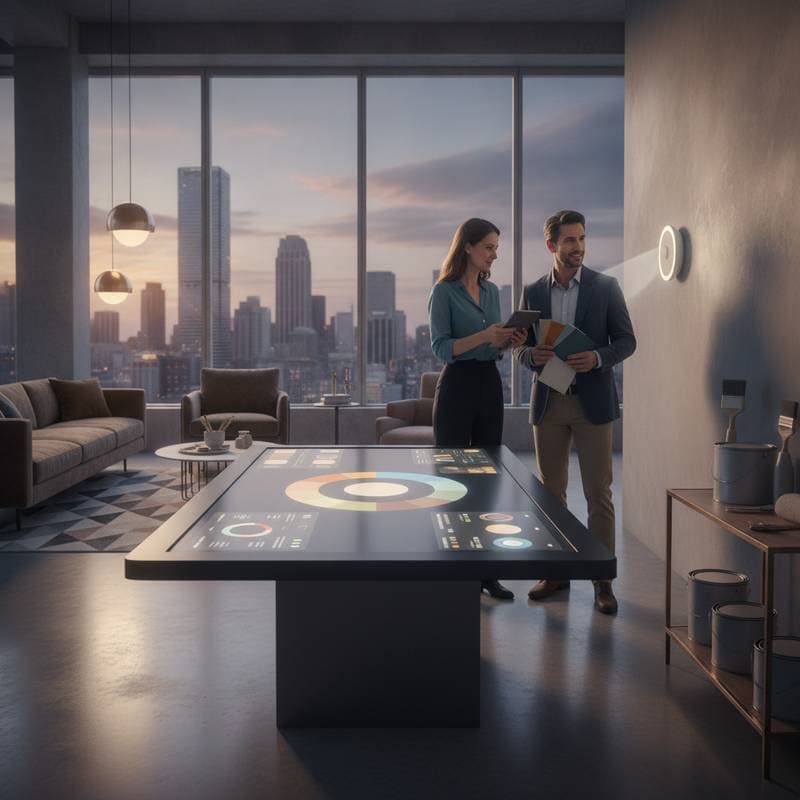
AI color matching extends to fabrics, flooring, and cabinetry finishes. Some tools recommend decor accents that match your palette. This saves hours of trial and error during online shopping or sample comparison. Interior designers use the software to analyze room palettes and suggest complementary tones based on color theory. The result maintains cohesion across multiple rooms.
ROI and Long-Term Value
Good color choices increase perceived home value and buyer appeal. Real estate agents note that fresh, well-chosen paint colors make a space feel clean and updated. A small investment in AI color matching helps ensure choices appeal to both personal taste and future buyers. Homeowners planning phased renovations maintain consistency across projects. Digital color history allows exact matches for repairs or extensions years later.
Apply AI Color Matching in Your Next Project
If you have second-guessed a paint color, AI color matching deserves a try. Start with the free version from a trusted paint brand. For larger projects, upgrade to software that provides virtual renderings or connects with professional color libraries. Compare results, view them in different lighting, and test physical samples before committing. Smart technology combined with traditional testing produces confident color decisions.