AI Color Tools Make Paint Selection Smarter and Faster
Choosing paint colors for a home sounds simple until you stand in front of hundreds of swatches at the paint store. What looked like a calm gray in the catalog can turn blue on your walls. That warm beige you loved in a friend living room might look muddy in your own lighting. As a remodeling contractor I have seen clients waste days debating colors, buy multiple samples, and still feel unsure. AI color tools now give homeowners a faster, more reliable way to pick the right paint color.
The Real Cost of Color Mistakes
Painting ranks among the most affordable ways to refresh a space, yet the wrong color can turn into an expensive headache. A full repaint of a single room can cost hundreds in labor and materials. When a shade feels off after application, that cost doubles. Lighting, furniture tones, flooring, and window direction all influence how a color appears. AI color tools account for these variables and deliver results based on actual room conditions.
How AI Color Tools Work
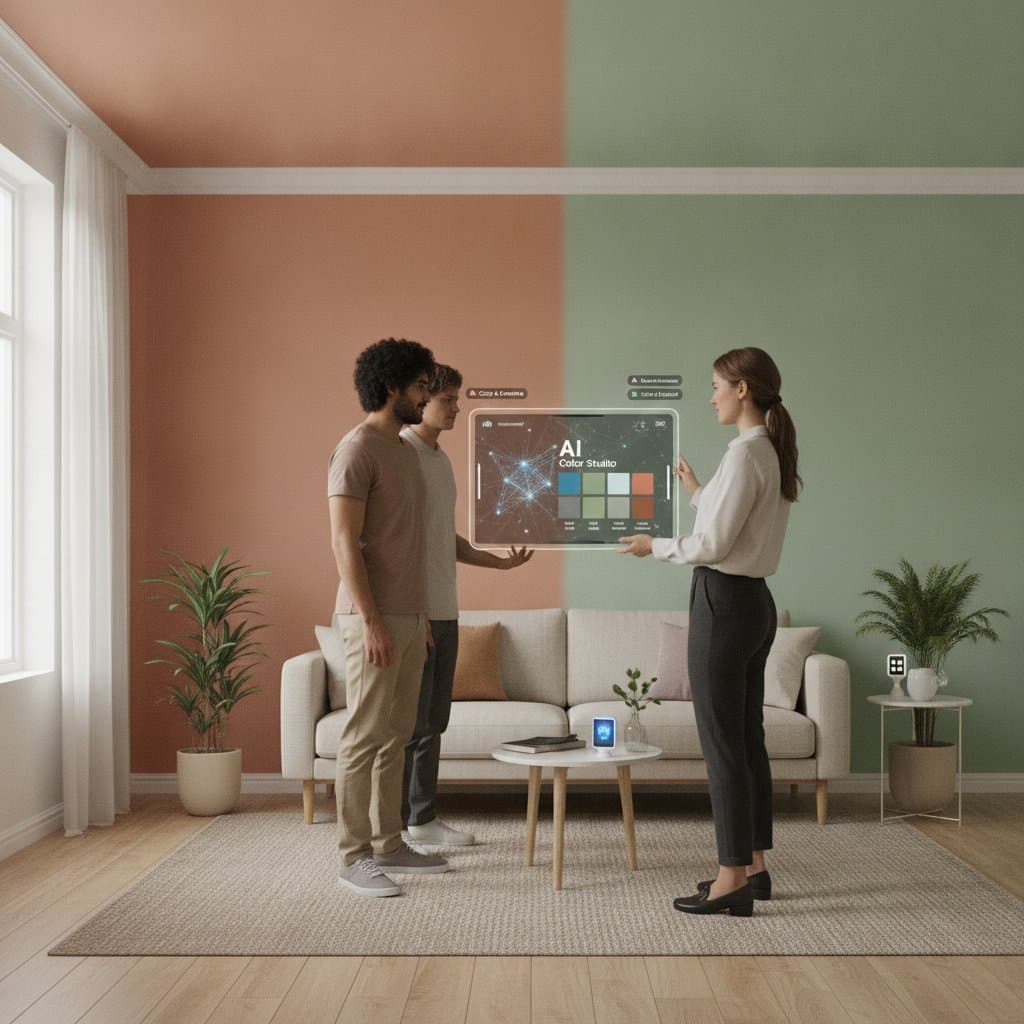
AI color selection tools use computer vision and large color databases to analyze a space and user preferences. You upload a photo or scan the room with your camera. The software detects lighting conditions, shadows, and surface textures. It then suggests colors that will look balanced in that specific environment. Most tools also reference color psychology data and design trends. They match hues to moods, styles, and room functions. For example, a request for a relaxing bedroom pulls soft, cool tones proven to lower stress.
Smart Tools That Deliver Results
Several AI-based paint selection platforms now serve design and remodeling professionals. They share key features that prove practical for homeowners and contractors.
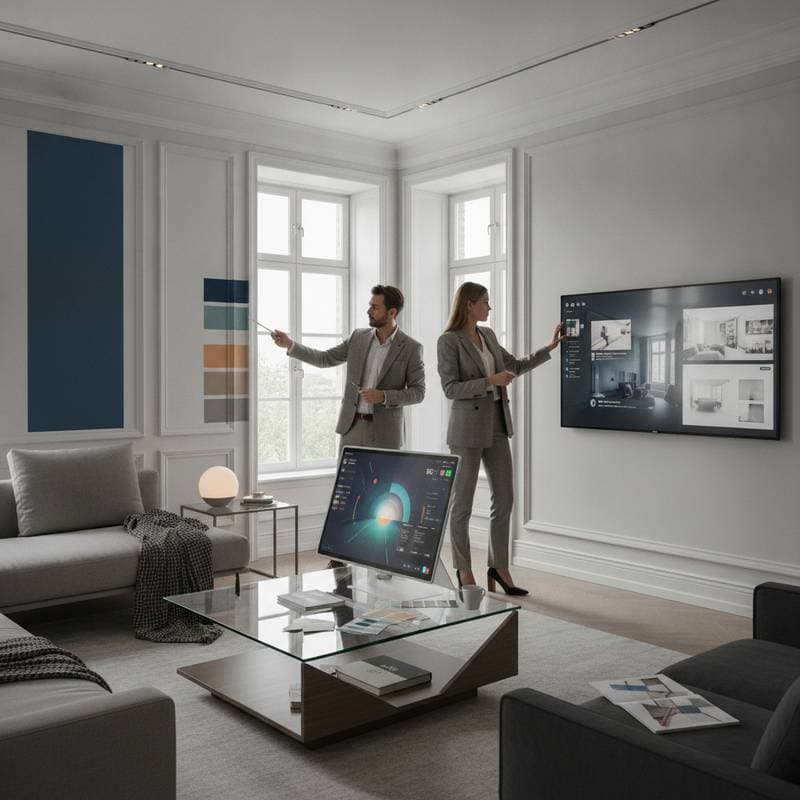
- Realistic Room Visualization: These tools create a virtual version of your room. You can test colors on walls, trim, and ceilings while the system adjusts for shadows and natural light.
- Color Matching: AI can match a paint color from any photo. Upload an image from a magazine or hotel and receive the closest available paint match along with brand details.
- Mood and Style Suggestions: The software analyzes furniture and decor to suggest complementary colors. Modern interiors receive clean neutral palettes while traditional spaces receive warmer, timeless tones.
- Lighting Simulation: AI tools show how a color will appear in daylight, at night, and under different bulbs. This insight once required multiple physical samples.
- Integration with Smart Devices: Some platforms connect with smart home systems to adjust lighting temperature digitally and store selections for future touch-ups.
Why Contractors Value AI Color Tools
These tools streamline communication with clients. Color disagreements often create tension during remodeling projects. When clients visualize options accurately, they decide faster and with greater confidence. This reduces schedule delays and change orders. The technology also flags potential issues early. A dark color chosen for a small room with limited natural light appears enclosed in the preview, prompting adjustments before purchase.
Understanding the Color Psychology Connection
Color shapes how people feel and behave in a space. AI color tools draw on psychological data to suggest tones that match emotional goals.
- Blues and greens calm the mind and lower tension. They suit bedrooms and bathrooms.
- Yellows and oranges energize and promote creativity. They fit kitchens and home offices.
- Neutrals and grays create balance and sophistication yet can feel cold without warm accents.
- Earth tones bring comfort and connection. They work well in living rooms and shared spaces.
Homeowners often describe desired feelings rather than specific colors. AI tools translate those goals into concrete recommendations.
Avoiding Common Paint Selection Mistakes
AI tools perform best when paired with sound design judgment. Several recurring errors still occur when users rely solely on digital suggestions.
- Ignoring Lighting Conditions: Always test the final color under the lighting you will use daily.
- Choosing Colors in Isolation: A color may clash with existing trim, flooring, or cabinetry. Analyze the full palette of the space.
- Overlooking Sheen and Finish: AI focuses on hue. Confirm which finish suits the surface and lighting.
- Following Trends Too Closely: Trends fade. Select colors that support long-term comfort.
- Skipping Professional Input: A brief consultation with a contractor confirms durability and surface preparation needs.
The Financial Side of Smarter Color Decisions
Every wrong color choice carries a price. Repainting one room costs hundreds in materials and labor. Multiple rooms multiply the loss. AI color tools reduce that risk by supporting correct choices on the first attempt. Faster decisions also tighten schedules and limit delays for contractors.
Bringing Human Judgment and AI Together
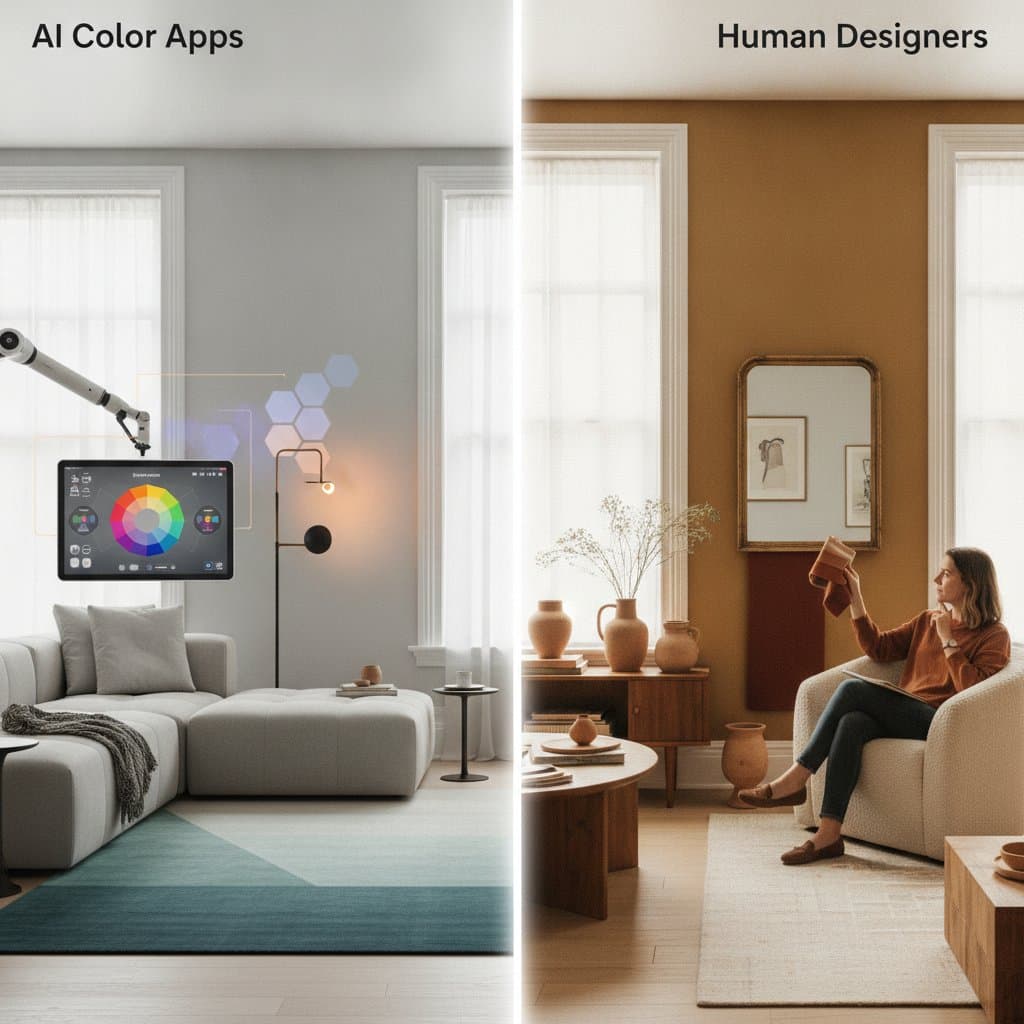
Technology requires human interpretation. I treat AI tools as a guide rather than final authority. The software may suggest a soft gray-green for a calming bedroom. I then verify how that color interacts with flooring, trim, and natural light in person. This blend of data-driven recommendations and real-world experience produces the strongest outcomes.
Testing Your Selections in Real Conditions
Upload clear photos of your space to an AI color tool and explore suggested palettes. Visualize each tone under your actual lighting. Narrow the options to a few favorites, then purchase small sample cans. Paint test sections on the wall and observe them at different times of day. Compare the results to the digital preview to confirm accuracy before committing to full application.