AI Tools Reduce Designer Costs for Intelligent Home Color Selection by 2026
Homeowners often spend days examining paint chips, comparing shades under various lights. A color that appears ideal in the store may seem lackluster or overwhelming in the actual space. Hiring a designer seems appealing, yet the expense deters many. Imagine a reliable tool that handles this task with precision and at a fraction of the cost.
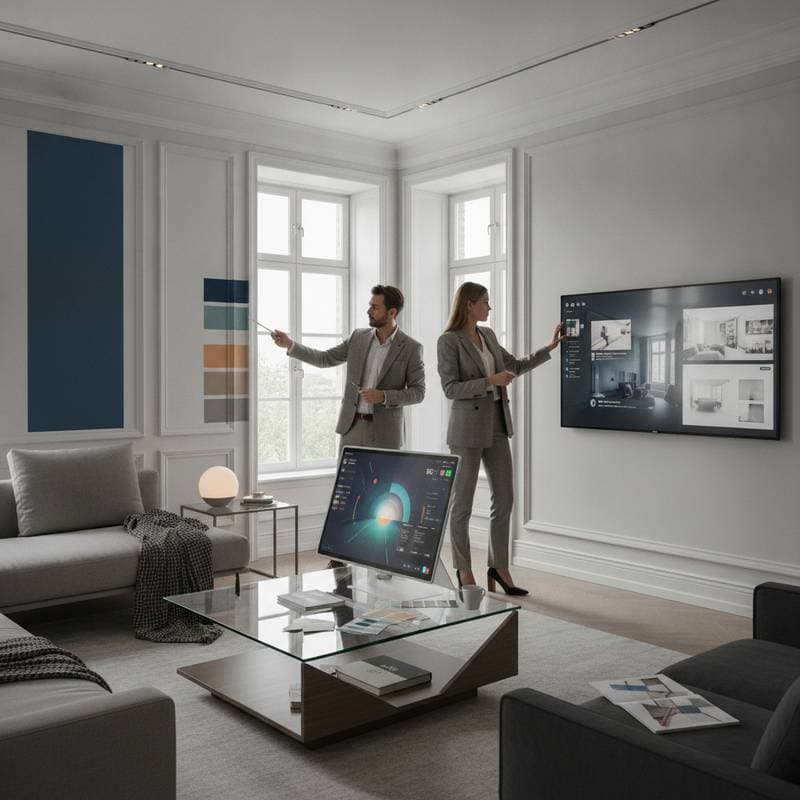
Such assistance has arrived. Artificial intelligence revolutionizes color selection for homes, significantly lowering design expenses. These tools evaluate lighting, room dimensions, and existing furnishings to propose balanced, professional palettes. Homeowners gain refined interiors without incurring high fees.
The High Cost of Traditional Color Selection
Selecting paint colors appears straightforward, but errors abound. Finishes vary in light reflection, and a favored gray may shift to purple under midday sun. Professional consultants charge between $150 and $400 per hour, while comprehensive in-home services begin at $1,000. Many prefer allocating funds to supplies instead.
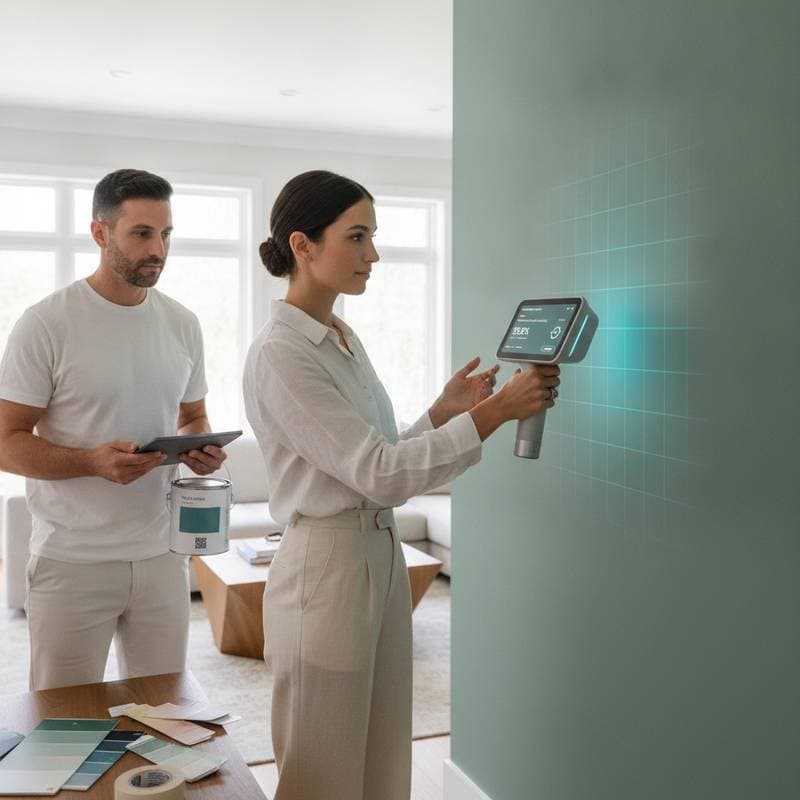
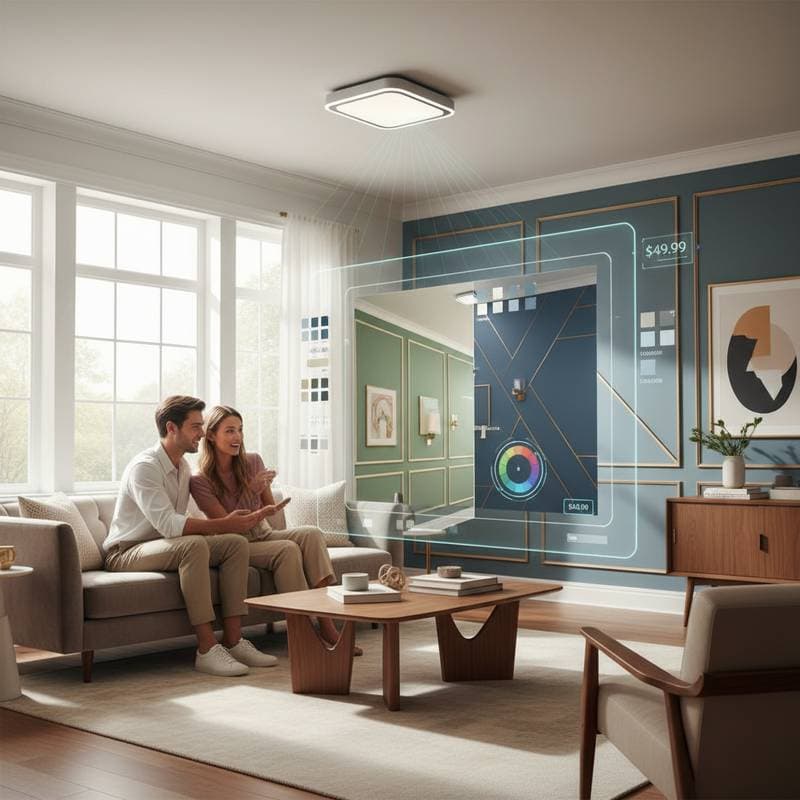
AI color tools address this challenge. They leverage image recognition and machine learning to assess spaces and recommend combinations suited to personal style and illumination. Several options provide virtual room previews, allowing visualization before purchasing paint.
The Mechanics of AI Color Tools
These systems rely on visual analysis. Users upload room photographs or scan with a smartphone camera. The software examines wall hues, light levels, and decor elements, then consults extensive databases of palettes and verified interiors.
The sequence unfolds as follows:
- Hue Identification: The tool detects existing colors and calculates light reflectance value to gauge brightness.
- Style Alignment: It matches the room against thousands of styled images, including modern farmhouse, coastal, or industrial themes.
- Palette Creation: Drawing from user inputs, it generates cohesive schemes compatible with floors, furniture, and lights.
- Visualization: Users receive rendered previews of the space in suggested colors.
Completion occurs in minutes, yielding reliable outcomes.
Tangible Savings for Homeowners
An AI color tool costs under $50 for single use or $10 to $20 monthly for continued access. This contrasts sharply with the typical $1,500 for in-person consultations, fueling rapid adoption.
Full repaints prove costly if colors disappoint. Refreshing one room demands $300 to $800 in labor and materials. Sidestepping a single error recoups the AI investment multiple times.
For those confident in decisions yet seeking validation, this technology bridges DIY efforts and expert services.
Balancing AI with Professional Input
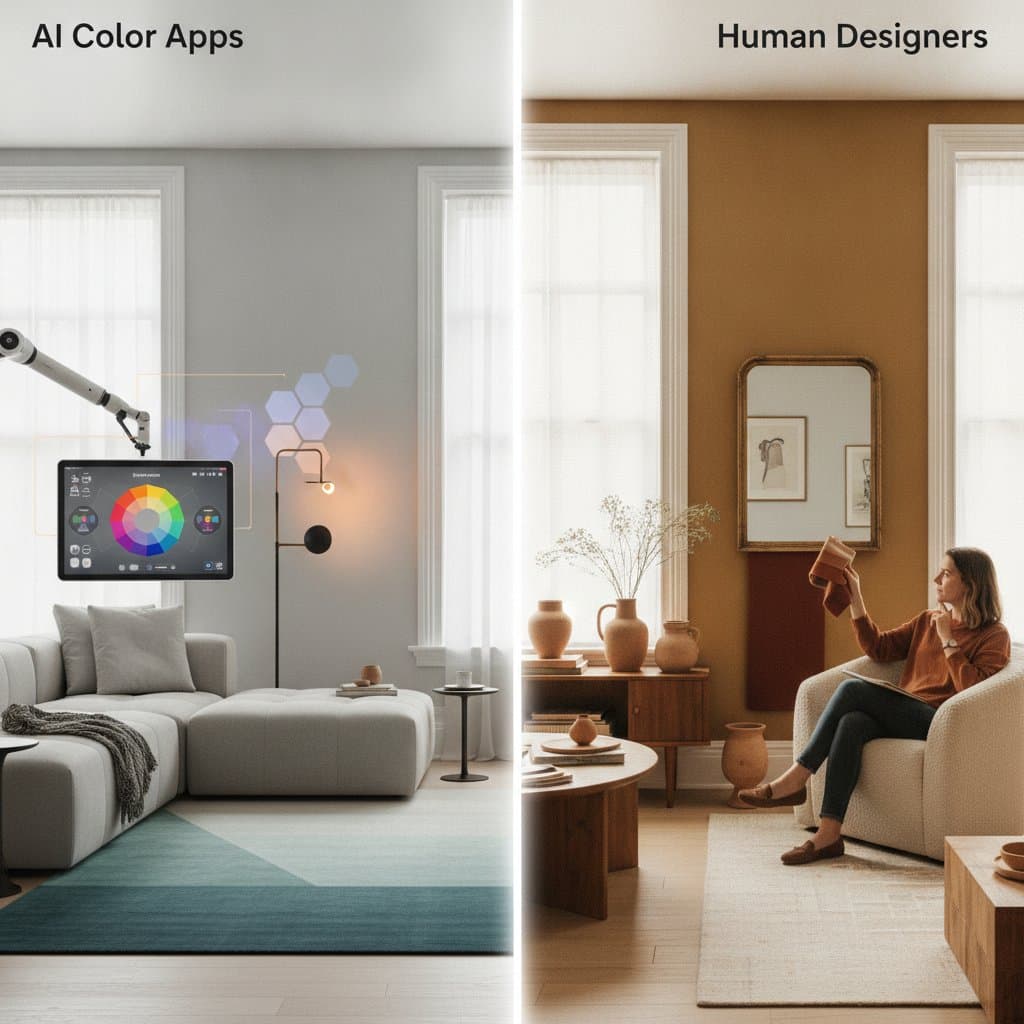
AI excels at refining choices, though limitations exist. It overlooks fabric textures or emotional space dynamics. For extensive projects involving bespoke finishes, experts remain essential.
Employ AI for:
- Compact rooms or accent walls
- Updating trim, doors, or ceilings
- Assessing natural light impacts on tones
- Harmonizing new paint with current furnishings
Consult professionals for:
- Layout planning or significant renovations
- Specialized surfaces such as plaster or lime wash
- Tailored palettes enhancing architectural features
A hybrid strategy optimizes results. Initiate with AI suggestions, then engage a designer for brief refinements, substantially lowering overall costs.
Core Technologies Driving the Shift
These tools incorporate predictive rendering, trained on vast arrays of tested interiors. Contextual lighting simulation predicts space appearance across daily hours.
Certain applications integrate with smart lights, tailoring recommendations to bulb settings. Warmer walls might counter cooler illumination for balanced ambiance.
Such capabilities deliver expert-level choices sans specialized knowledge.
Options Across Budget Tiers
Entry-Level Applications: Paint brands provide free or inexpensive tools for photo uploads and quick ideas. Precision differs, yet they serve as solid foundations.
Intermediate Services: Platforms feature AI packages with chat assistance. Monthly fees range from $10 to $30, supporting multi-room trials and painter-ready reports.
Advanced Solutions: Premium versions apply sophisticated calibration and augmented reality previews. Project costs fall between $100 and $200, well below traditional design rates.
Essential Precautions for Effective Use
Color decisions carry minimal risk, but safeguards ensure success. Apply physical samples to walls prior to full application. Simulations approximate well, yet miss textures and subtle shadows.
For exteriors, review community rules on reflective or glossy finishes to avoid glare issues. Interiors require ventilation during testing and painting.
When linking to smart lights, confirm compatibility between bulbs, hubs, and the tool to prevent simulation errors.
Steps to Implement AI-Assisted Color Updates
Postponing painting due to design budgets? AI tools merit trial. They democratize expert guidance for average users.
Begin with a single room. Generate and compare previews. Archive preferred palettes for reference.
Pairing technology with sample testing yields professional finishes affordably. Current advancements position this as a viable, evolving solution.