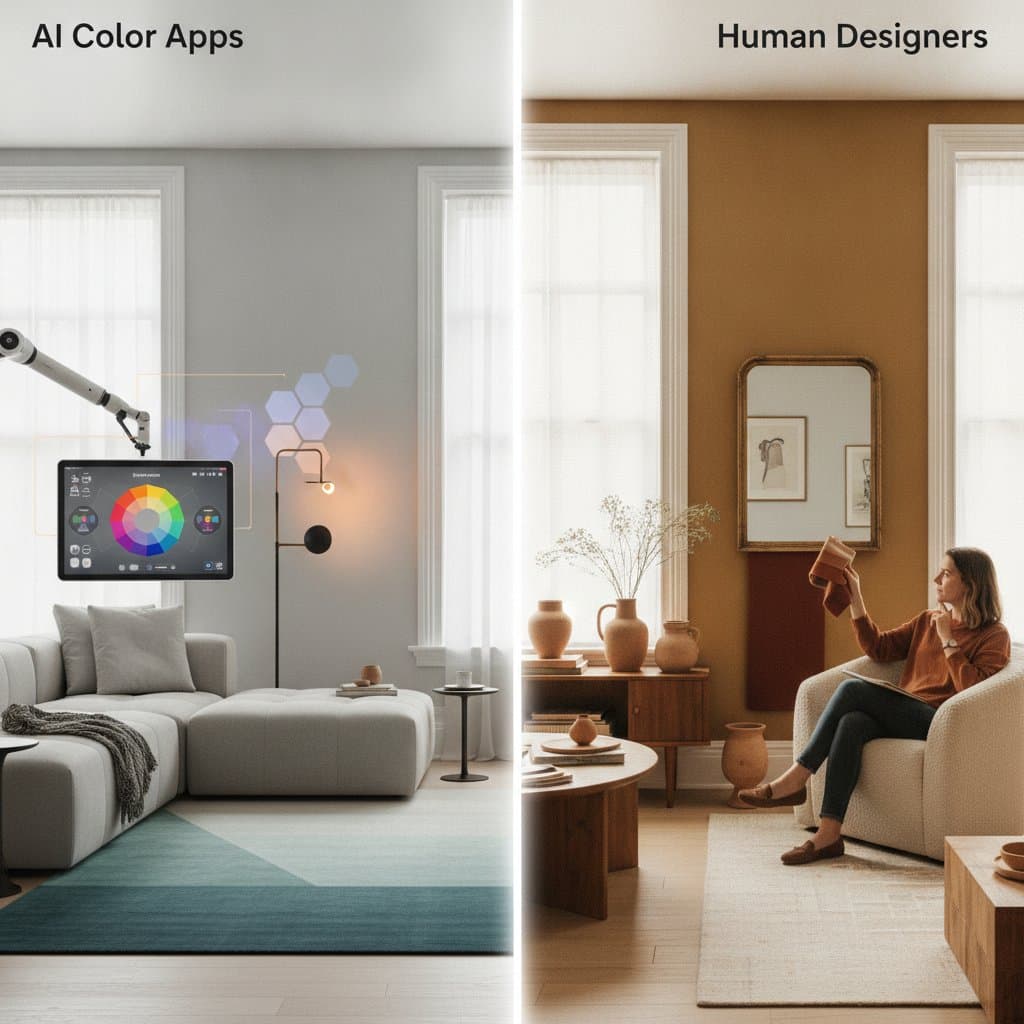
AI Tools Eliminate Designer Fees for Flawless Home Colors
Homeowners often face overwhelming choices in the paint aisle, where countless swatches blend under harsh store lighting. Imagining how a color will transform a specific room proves challenging without professional guidance. Hiring a designer for color consultations typically incurs fees exceeding $800, yet artificial intelligence now offers a cost-effective alternative.
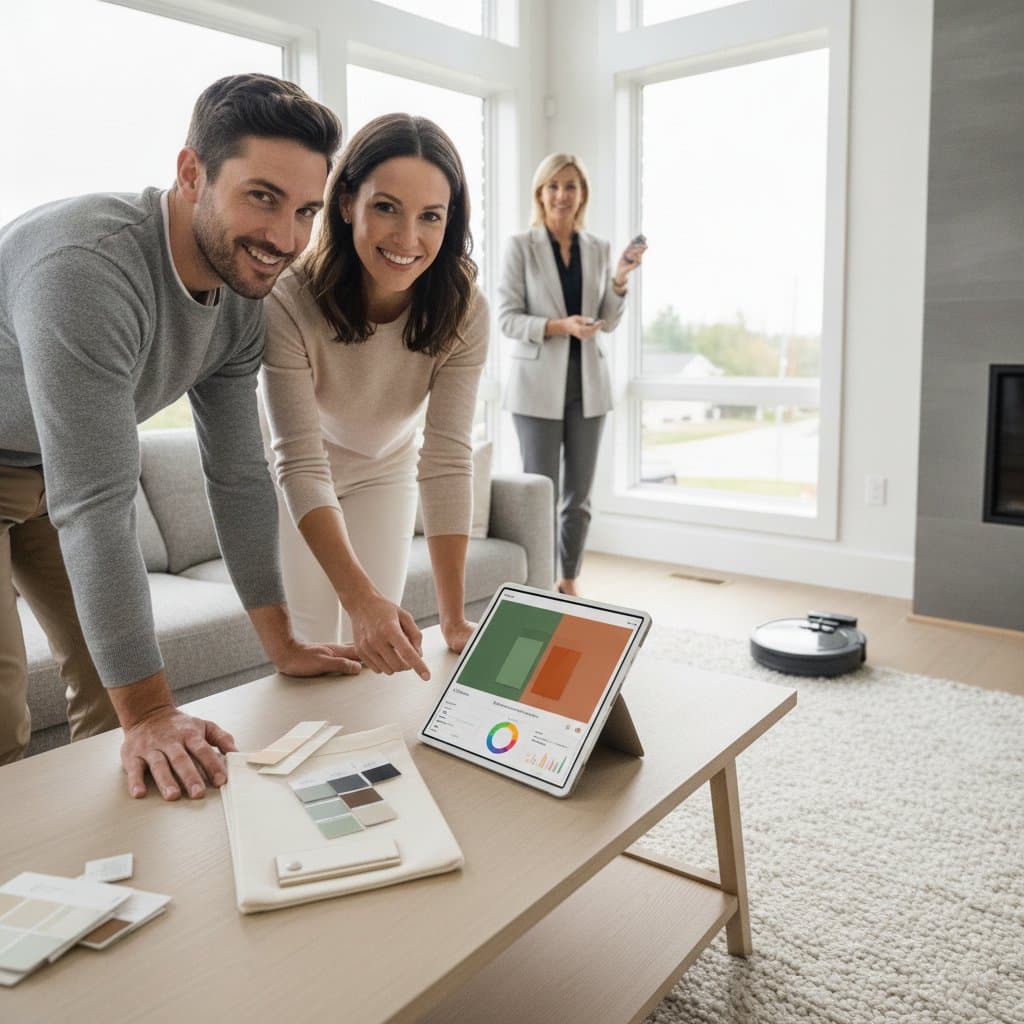
AI-powered tools enable virtual testing and matching of paint colors directly from a smartphone or computer. Users upload room photos to preview shades in their actual spaces before purchasing paint. Many options remain free or require minimal investment, democratizing access to expert-level design.
This guide details the mechanics of AI color tools, provides usage instructions, and outlines costs, accuracy levels, and outcomes. Readers gain insights to develop professional color schemes independently, bypassing traditional expenses.
Mechanics of AI Color Tools
These applications rely on machine learning algorithms and computer vision technology to assess uploaded images. The system detects architectural elements, boundaries, and illumination within the photo. It subsequently overlays digital paint simulations to depict realistic color applications.
Consider the process in these key phases:
-
Image Capture and Evaluation
Users upload a photograph of the room or capture one via the application. The AI identifies walls, windows, furnishings, and shadow patterns automatically. -
Illumination Compensation
Lighting profoundly influences color perception, so the tool analyzes image brightness and color temperature. It adjusts simulations accordingly to approximate real-world appearances. -
Digital Application of Colors
Select from manufacturer palettes, predefined schemes, or custom hues. The AI renders the chosen colors on detected surfaces, producing lifelike visualizations. -
Complementary Suggestions
Advanced features recommend coordinating colors for trim, ceilings, and accents. Some analyze existing elements like flooring or upholstery to ensure overall room harmony.
This automated workflow delivers results in mere seconds, mirroring the meticulous evaluation a designer conducts through physical mockups.
Guide to Selecting Colors with AI Assistance
No advanced technical knowledge proves necessary for effective use of these tools. Adhere to this structured approach for dependable outcomes:
-
Capture Images in Natural Daylight
Photograph rooms during midday with uniform illumination. Steer clear of flash photography, as it alters hue accuracy. -
Submit and Outline Surfaces
Allow automatic detection of walls by the AI, or manually delineate them for precision in complex layouts. -
Establish a Primary Hue
Begin with a neutral base or preferred color. The system generates suggestions for supporting tones in accents and trim. -
Simulate Varied Lighting Scenarios
Switch between natural daylight and indoor lighting simulations within the app. Identify shades prone to dramatic shifts in evening conditions. -
Archive and Evaluate Options
Refine selections to a shortlist of two or three schemes. Compare them side by side to assess balance and appeal. -
Validate with Physical Samples
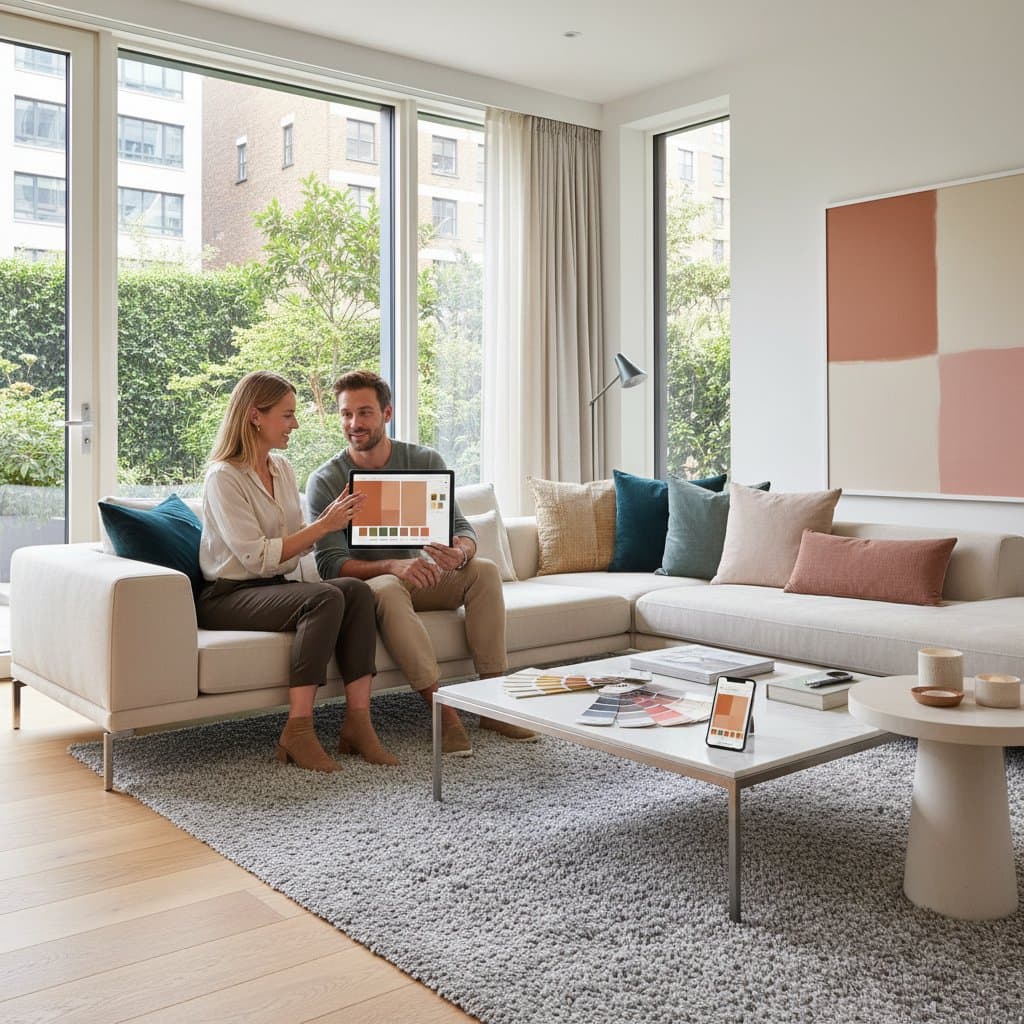
Digital renderings serve as guides, yet tangible verification remains essential. Acquire small pots of paint or adhesive swatches for on-site testing.
Integrating virtual simulations with hands-on samples yields results comparable to professional consultations, all without associated costs.
Evaluating Precision and Constraints
Contemporary AI tools demonstrate impressive sophistication, yet imperfections persist. Factors such as camera quality, display settings, and photo conditions influence simulation fidelity. A shade appearing as pure white digitally may reveal subtle undertones upon application.
Implement these strategies to enhance reliability:
- Employ high-resolution images taken in balanced light.
- Adjust monitor settings for accurate color representation when feasible.
- Procure and apply physical samples for final confirmation.
- Recognize that surface textures and sheen levels interact with light in ways simulations cannot fully capture.
Position these tools as valuable aids in decision-making rather than infallible predictors. They minimize risks and errors, though real-world variables like wall imperfections demand supplementary checks.
Advantages of Integrating AI into Color Selection
Financial savings represent only one facet of these tools' value. They introduce efficiencies unattainable through conventional approaches:
- Rapid Previews: Generate visualizations instantly, eliminating delays from manual sketches or prototypes.
- Risk-Free Exploration: Experiment with vibrant or unconventional hues digitally before committing resources.
- Tailored Recommendations: Algorithms adapt to user inputs, refining suggestions based on prior selections for increasingly personalized outcomes.
- Broad Accessibility: Require only basic devices, empowering novices and budget-conscious individuals with design expertise.
Such features render the color selection process intuitive and empowering, particularly for those undertaking initial home projects.
Implementing Your Color Choices Effectively
With palettes finalized, transition to execution through a methodical plan:
-
Document the Scheme Digitally
Export or print the configuration, including exact color codes, brands, and recommended finishes from the tool. -
Acquire Test Materials
Apply samples to a modest wall area and monitor appearances across daily light cycles. -
Select Appropriate Sheens
Opt for matte finishes to conceal surface flaws, eggshell for moderate durability, or gloss for high-traffic trims. -
Organize the Project Timeline
Dedicate full days to preparation, application, and curing per room to ensure quality results. -
Monitor Expenditures
Budget $40 to $70 per gallon for premium interior paints, plus brushes, rollers, and drop cloths.
This preparation fosters successful renovations that enhance living spaces durably and aesthetically.
Enhancing Home Ambiance Through Informed Choices
Strategic color decisions extend beyond aesthetics to influence mood and functionality. Neutral bases paired with thoughtful accents promote serenity in living areas, while bolder tones energize kitchens or offices. AI tools facilitate these alignments by revealing interactions early.
Homeowners report heightened satisfaction from projects informed by digital previews, as they avoid common pitfalls like mismatched schemes or overcommitment to trends. Over time, such investments yield spaces that reflect personal style without ongoing adjustments. Embrace these technologies to elevate interiors confidently and economically.