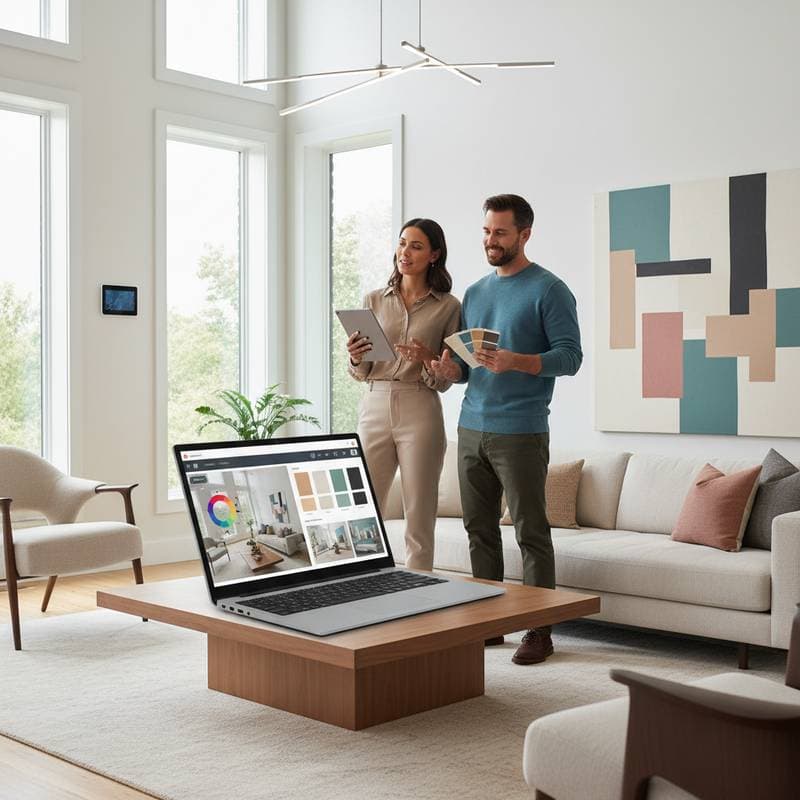
AI Tools for Selecting the Ideal Home Color Palette
Color selection defines the character of any space. Restyling a single wall or overhauling an entire home requires balancing aesthetics and functionality. AI-powered tools now simplify this process, generating tailored palettes in minutes and eliminating reliance on traditional swatches.
These tools analyze images, lighting, and preferences to produce harmonious combinations. Homeowners, designers, and renters benefit from faster decisions and enhanced visualization. The result is a more confident approach to interior transformations.
Challenges in Traditional Color Selection
Entering a paint store often leads to indecision. Swatches shift appearance under different lights, turning a neutral beige into an unintended pink or a cool gray into a warm blue. Factors such as texture, personal taste, and current trends compound the difficulty.
AI addresses these issues by processing vast datasets on color interactions. Tools simulate real-world conditions and suggest adjustments for mood or purpose. This method reduces errors and streamlines the selection process.
Mechanics of AI Color Generation
AI color tools employ image recognition and machine learning algorithms. Users upload photos, input descriptors like serene or vibrant, or choose predefined themes such as coastal or minimalist. The system evaluates undertones and relationships from extensive visual libraries to create balanced palettes.
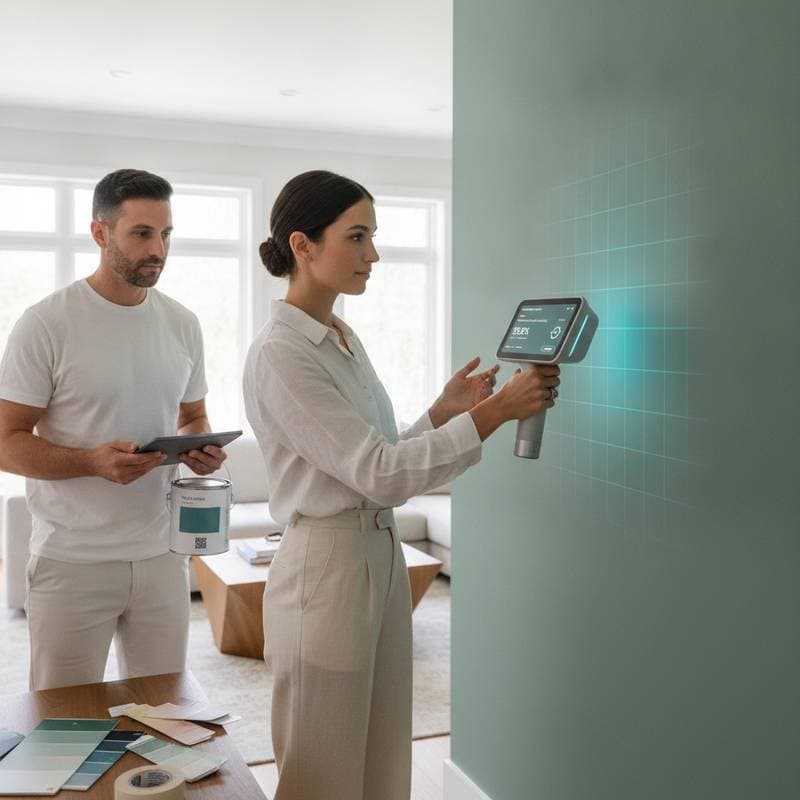
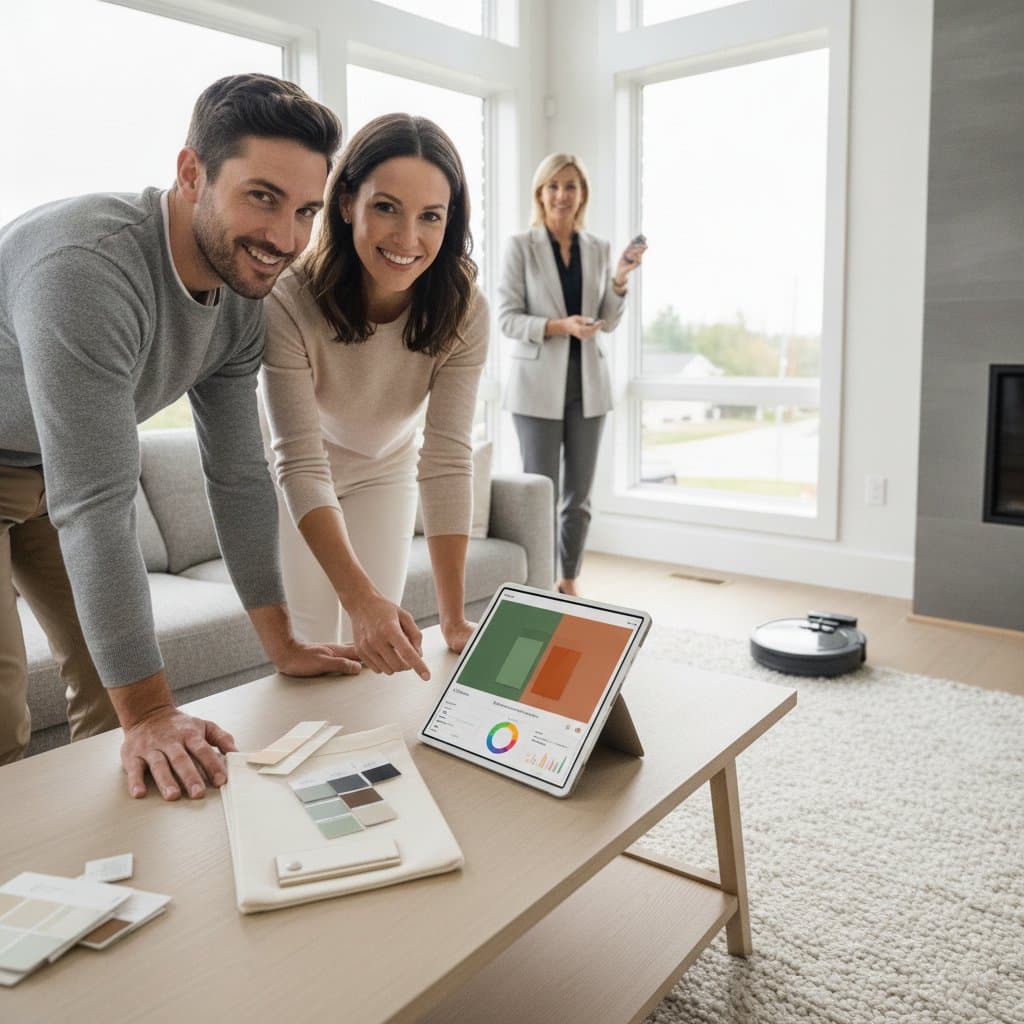
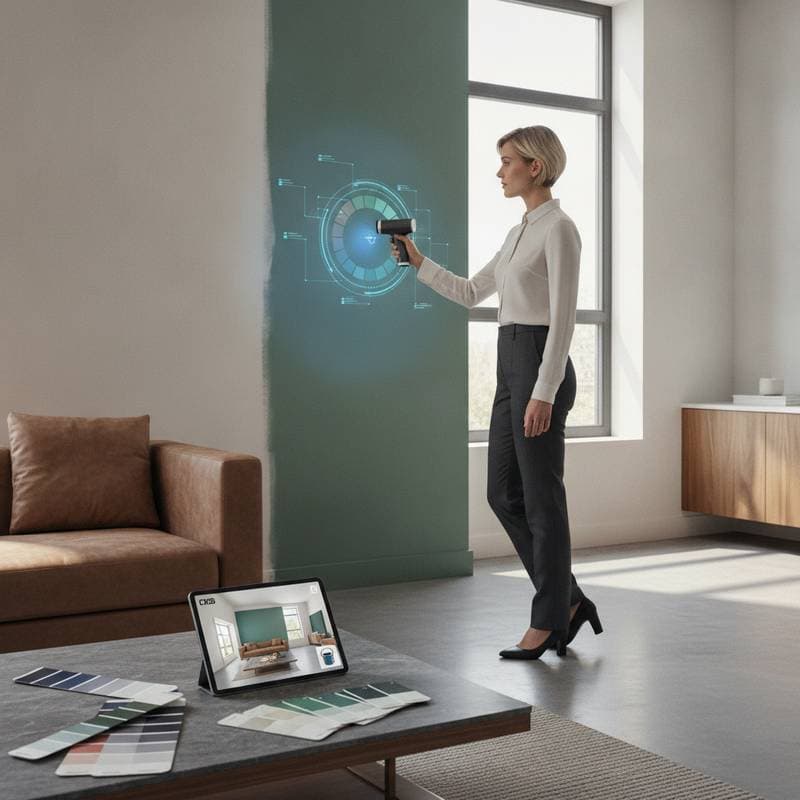
Advanced features include augmented reality previews. Point a device at a room to view color applications in context, such as shifting walls from taupe to green. This capability empowers users to assess outcomes without physical tests.
Recommended AI Tools for Palette Creation
Several tools stand out for their accessibility and precision. Each offers unique strengths, from quick generations to professional integrations. Below is a curated selection based on practical applications.
Coolors
Coolors suits users at all levels. Begin with an image, a starting hue, or a keyword like tranquil. The tool produces five-color sets, allowing locks on favorites, randomizations, and tweaks for refinement.
Basic access is free, with premium options at a low cost. Apply palettes to branding or accents, then verify against physical samples like fabrics or paints.
Canva Color Palette Generator
Canva excels in extracting tones from existing elements. Upload images of rugs, artwork, or landscapes to derive matching schemes.
This approach works well for integrating current possessions. The tool remains free, though pro versions enhance workflow integrations.
Colormind
Colormind leverages deep learning from diverse sources like photographs and films. It generates refined, equilibrated palettes ideal for complex styles.
For instance, it effectively blended teal, coral, and cream for a modern-retro interior. Access is free online, with options for custom developments.
Adobe Color
Adobe Color appeals to professionals with its rule-based explorations, including complementary and triadic schemes. It assesses contrast for accessibility and links to Creative Cloud applications.
Extract themes from room photos and mock up changes digitally. Basic use is free, with full features in subscriptions.
Khroma
Khroma personalizes outputs by learning from user selections. It creates palettes, gradients, and font pairings aligned with individual tastes.
This tool aids in packaging or wall planning with its intuitive interface. It operates entirely free.
RoomGPT
RoomGPT visualizes full redesigns. Upload space images, select styles, and receive rendered updates with color and material suggestions.
While broader than pure palette generation, it complements testing. Free tiers exist, with premiums for detailed outputs.
Adapting Tools to Various Budgets
AI democratizes design across financial levels. Free versions suffice for initial explorations, while paid enhancements add depth.
For zero cost, generate and print palettes from tools like Canva or Coolors, then observe them in situ. With modest funds, acquire paint samples to validate under natural light. Higher budgets pair AI with expert input for polished executions.
Effective design prioritizes strategy over expenditure.
Integrating AI with Personal Vision
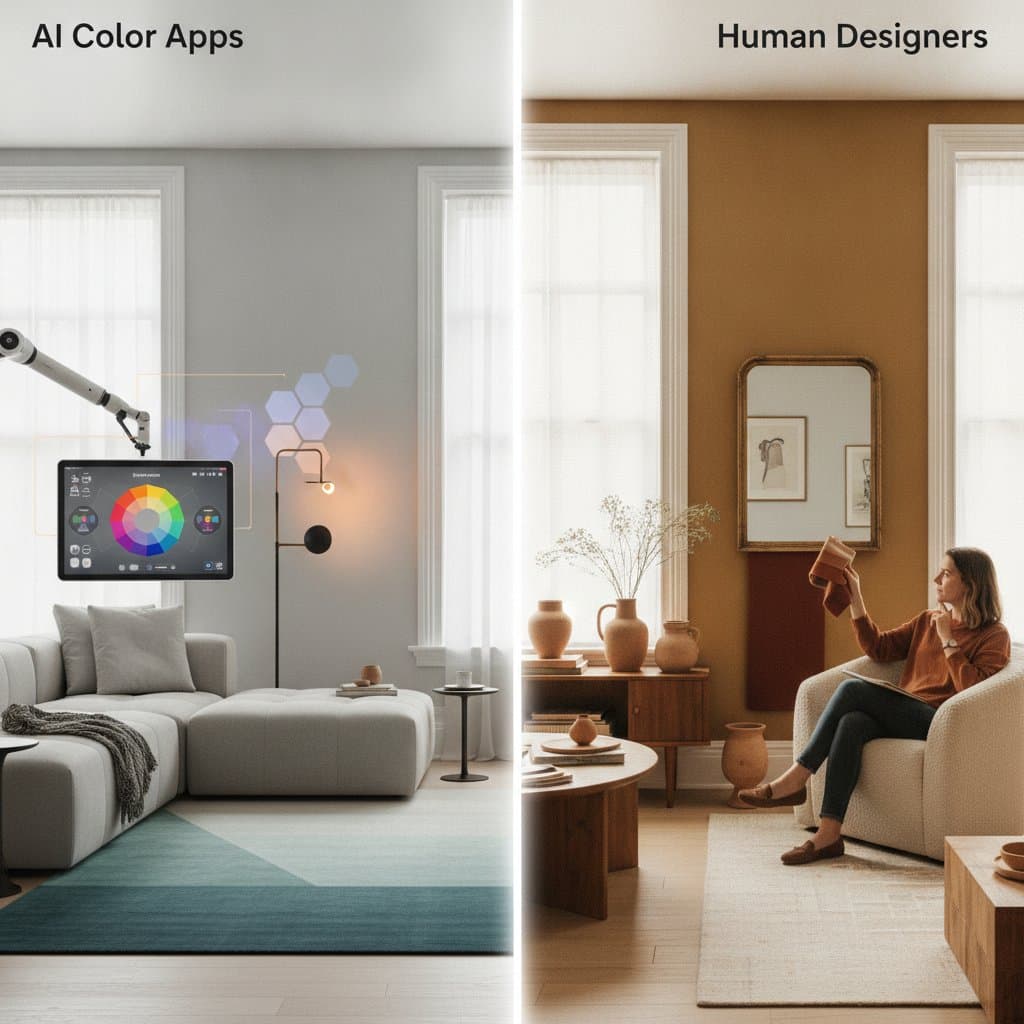
AI provides data-driven foundations, yet human judgment infuses uniqueness. Use outputs as guides, incorporating textures and narratives that resonate personally.
For a neutral base, introduce accents like mustard or teal via furnishings. This maintains harmony while adding vitality. AI manages technical harmony, freeing focus for emotional impact.
Practical Applications in Fast-Paced Projects
In time-sensitive environments like media productions, AI accelerates transformations. Analyze space photos through multiple tools, then align with physical tests.
One project combined white walls, terracotta details, and oak elements for a bright yet inviting living area. Such methods ensure visual appeal under varied conditions, applicable to social content as well.
Implementing Palettes Effectively
Transition from digital to physical with deliberate steps.
- Test samples on large areas, drying fully and viewing across daylight hours.
- Follow the 60-30-10 distribution: dominant for walls, secondary for larger items, accents for details.
- Incorporate diverse materials like wood or fabric for depth.
- Match lighting types to color intentions, such as warm for coziness.
- Refine accessories by re-uploading base images to AI for complementary suggestions.
Professional Advantages of AI in Design
For practitioners, these tools optimize efficiency and innovation. They facilitate client previews, consistent branding, and custom product lines.
Develop collections from preference-based palettes, reducing manual effort. This personalization elevates services and outcomes.
Gaining Assurance in Color Choices
Bold selections often deter due to commitment fears. AI enables risk-free trials through visualizations.
Preview ambitious ideas like emerald walls or coral entries digitally. Successful renders encourage implementation, yielding rewarding results.
Sustaining and Refreshing Designs
Post-installation, observe color influences on daily life. Blues may promote relaxation, yellows invigorate routines.
Update seasonally by regenerating palettes for accents. Core elements endure, while evolutions keep spaces dynamic.