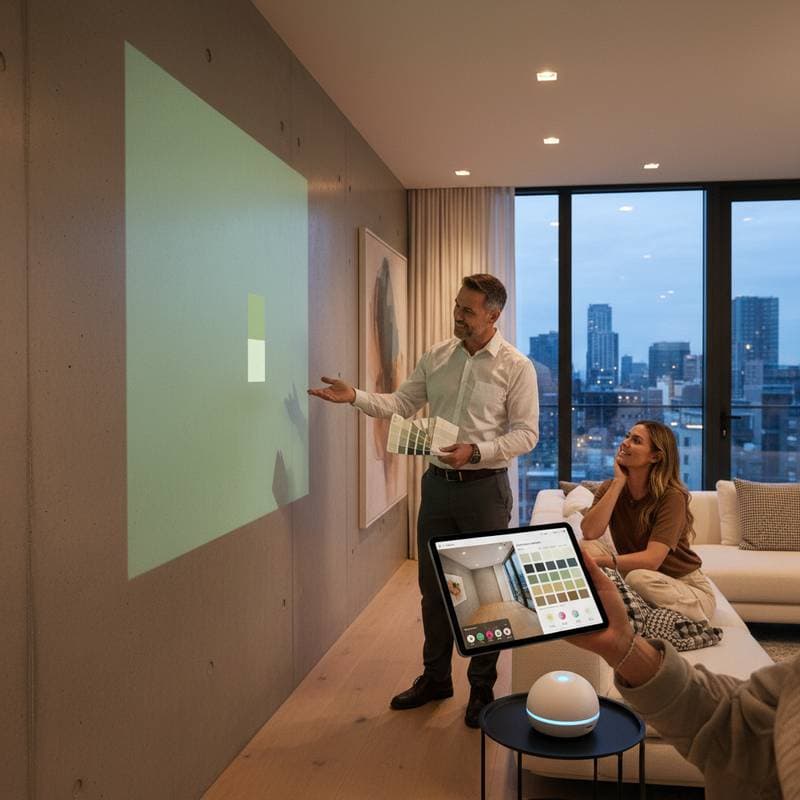
AI Color Tools Revolutionize Home Paint Choices
Anyone who has stood before a wall of paint chips recognizes the challenge. Colors blend together under store lighting that differs from home conditions, and a sample that appears ideal on a card often disappoints on the wall. This frustration affects many homeowners during remodels or refreshes. The expense of repainting extends beyond finances to include lost time, effort, and confidence in design choices.
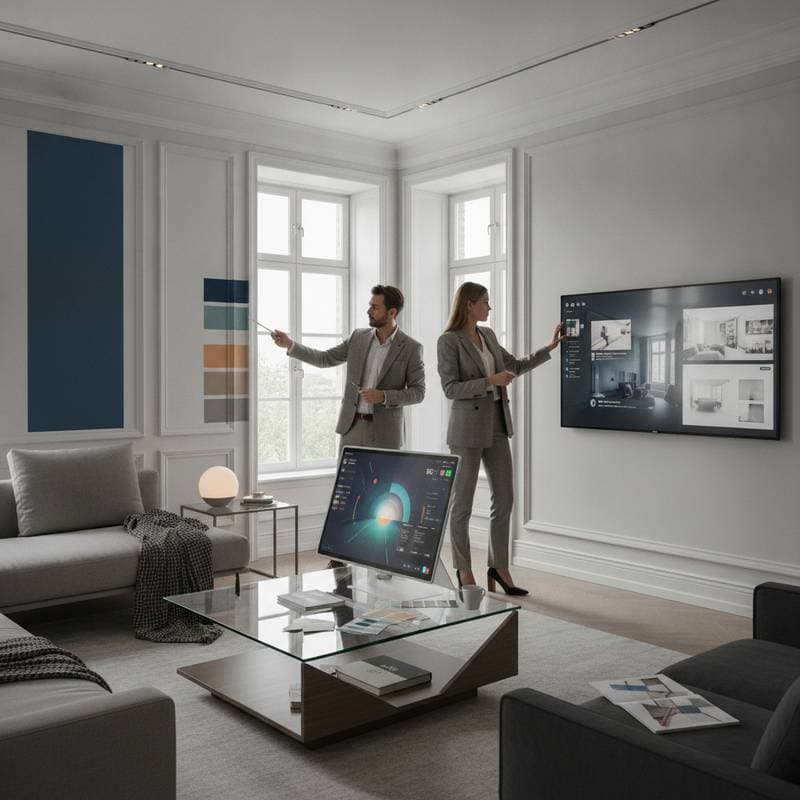
A new generation of AI-powered color tools addresses these issues. Homeowners move beyond instinct and guesswork with digital solutions that employ image recognition and machine learning. These tools analyze spaces, forecast color performance under varying lights, and align with existing finishes or fabrics. Tasks that once required days of sampling now resolve in minutes. As a remodeling professional, I observe this technology minimizes errors, cuts costs, and enhances client assurance in selections.
Why Traditional Color Selection Falls Short
To appreciate the innovation, consider the flaws in conventional methods. Homeowners often choose colors under artificial store lights, such as fluorescents, which alter appearances in natural home settings. Factors like surface texture, sheen, and sunlight direction further transform results.
Clients have repainted living rooms when a beige shade shifted to pink at sunset. Attempts to match fabrics by eye frequently miss by several tones. Professionals apply multiple samples to mitigate risks. With expenses for paint, primer, labor, and cleanup, one poor decision can total hundreds or thousands of dollars.
AI color tools target these gaps. They evaluate home lighting, undertones, and simulate outcomes before application begins.
How AI Color Tools Function
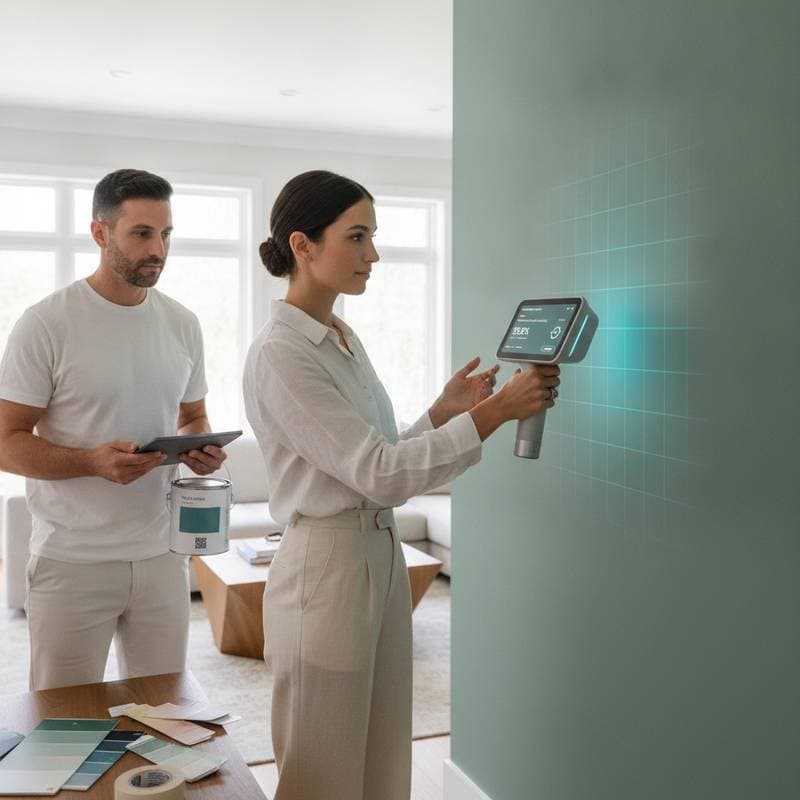
Contemporary tools integrate image scanning, extensive color databases, and predictive algorithms. Uploading a room photo allows the software to assess light intensity, identify materials, and detect nuances beyond human perception. It then proposes complementary colors, matches surfaces, or previews effects across lighting scenarios.
The process unfolds in these steps:
-
Image Analysis
The application examines the photo for color balance, shadows, and reflections. It separates elements like walls, furniture, windows, and floors to construct a digital space model. -
Color Identification
Drawing from vast paint formula repositories, it identifies precise or close matches for visible hues. This aids in aligning with current walls or elements such as tile and wood. -
Lighting Simulation
The system forecasts color appearance in conditions like morning sunlight or evening lamps. Such previews avert post-application surprises. -
Palette Generation
Tailored to user input, it recommends accent and trim options for balance and contrast. Integration of design principles ensures spatial harmony. -
Visualization
Selected colors overlay onto the photo or model. Users visualize transformations prior to any physical changes.
This data-driven approach removes uncertainty from color decisions.
Benefits for Homeowners in Practice
As a contractor, I find these tools extend beyond simplification. They curb expensive errors, accelerate timelines, and foster clear communication among clients and experts. Key advantages include:
-
Lower Repainting Expenses
Correct initial choices eliminate repeat costs for paint, labor, and disruption. Preparation, priming, and cleanup often exceed material fees in revisions. -
Quicker Resolutions
No delays for physical samples or store trips occur. Choices finalize in one session rather than days. -
Enhanced Teamwork
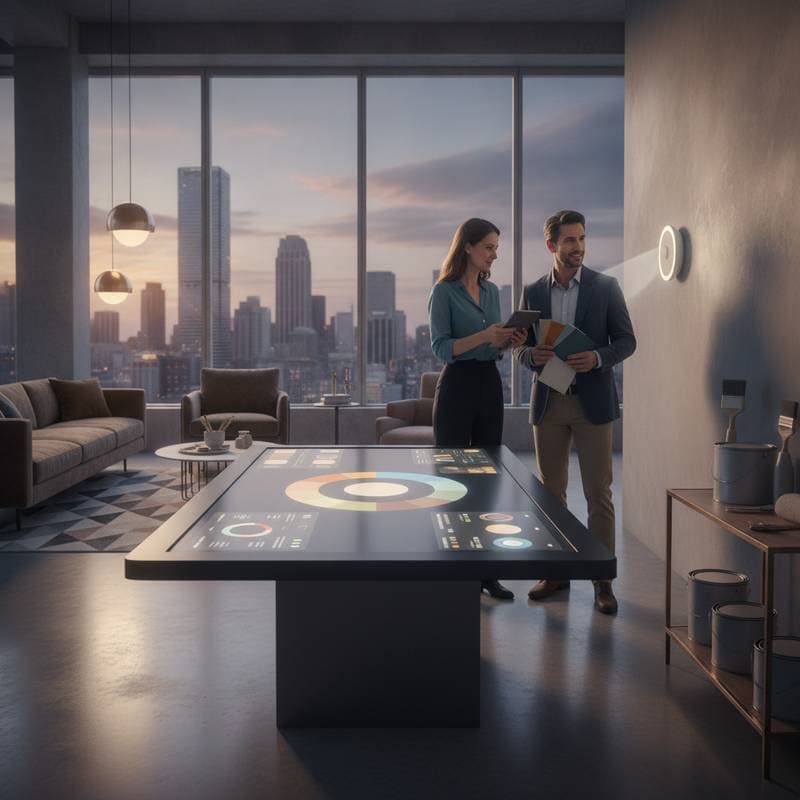
Shared visuals provide common ground. Homeowners, designers, and contractors align on shades before procurement. -
Precise Lighting Handling
Accounting for real conditions prevents tone shifts. This proves vital in spaces with diverse light sources. -
Greater Assurance
Visual previews instill confidence. Clients commit with certainty, leading to higher satisfaction.
Contractor Applications in Daily Work
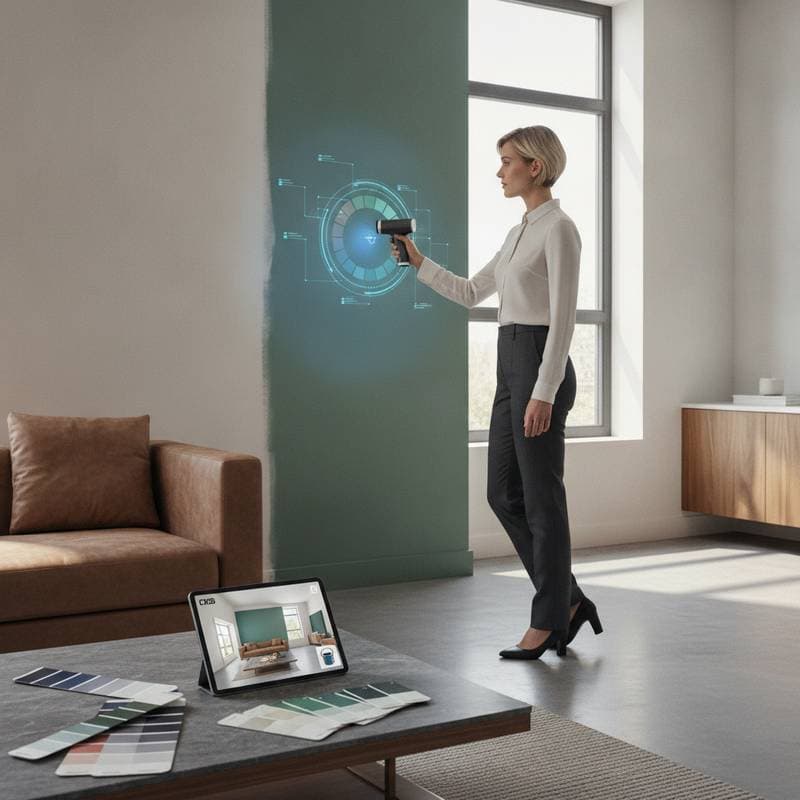
In operations, specific applications streamline workflows. For matching cabinetry, a mobile-connected color scanner reads surfaces and proposes options from various brands. Previews on kitchen photos demonstrate outcomes, saving time and building trust through transparent rationale.
Larger endeavors incorporate tools into design platforms. Coordination spans walls, floors, countertops, and trim. Generated reports detail codes and finishes, ensuring uniformity across painters, designers, and suppliers. This reduces miscommunications.
Potential Limitations to Consider
These tools offer strong support yet require careful use. Treat them as guides rather than absolutes. Avoid these issues:
-
Screen Display Variations
Monitors and phones render colors inconsistently. Digital views may differ slightly from reality; verify with physical samples. -
Texture Oversights
Finishes like glossy, satin, or matte interact uniquely with light. Simulations approximate, but in-person inspection confirms. -
Neglecting Expert Advice
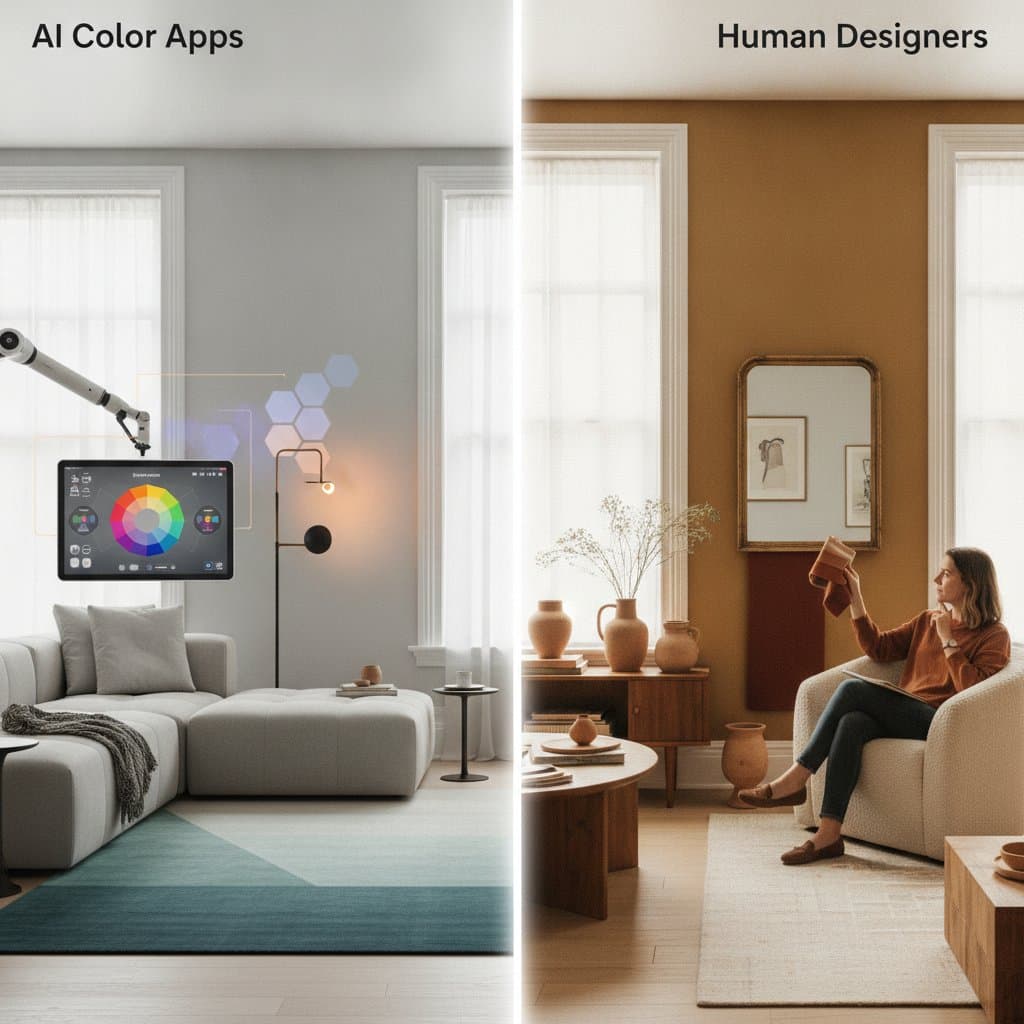
Tools assist effectively, though they lack nuanced understanding of architecture, lighting, and scale. Consult professionals for depth. -
Image Quality Impacts
Blurry or low-light photos yield flawed outputs. Provide clear, well-lit inputs for reliability. -
Excessive Complexity
Abundant options tempt overelaboration. Prioritize simplicity for effective results.
Selecting an Effective AI Color Tool
Options vary by focus, from rapid matching to comprehensive simulations. Prioritize these attributes:
- Precise Matching Capabilities: Exact alignment with samples or surfaces.
- Lighting Preview Options: Adjustments for multiple scenarios.
- Brand Compatibility: Connections to leading manufacturers for direct purchases.
- High-Quality Rendering: Detailed, realistic overlays over simplistic graphics.
- Intuitive Design: Accessible without specialized skills.
- Device Flexibility: Seamless use across mobile, tablet, and desktop.
Trial several to match your needs and objectives.
Contractor Insights on Efficiency Gains
Business-wise, these tools boost productivity and minimize conflicts. Color-related disputes often stem from mismatched expectations. Pre-painting previews align views and nearly eliminate issues. Digital reports attach to contracts for ongoing clarity.
Marketing benefits arise too. Demonstrating tech-savvy methods highlights transparency and innovation. This conveys professionalism and attention to detail, qualities that attract discerning clients.
Sustaining Design Choices Over Time
Beyond initial appeal, accurate selections shape space perception, light dynamics, and maintenance needs. Darker tones demand frequent touch-ups; lighter ones reveal flaws. Informed starts prolong paint durability and lower long-term costs.
Tools aid continuity. Archived data enables precise future matches, avoiding patchy repairs and preserving home uniformity.
Achieve Lasting Results with Informed Selections
Embrace AI color tools to transform painting projects. They deliver precision, efficiency, and satisfaction. Start by uploading a photo and exploring simulations today for confident, error-free outcomes.