Empowering Homeowners to Master Color Selection with AI
Homeowners frequently face challenges when selecting colors for their spaces. An ill-chosen shade can render a room cramped, dim, or uneasy. In the past, individuals sought assistance from interior designers to navigate these decisions. Today, advanced color-matching tools and virtual design platforms equip homeowners with the ability to plan and visualize schemes independently. These innovations simplify the decorating process and safeguard against significant financial setbacks.
In my experience as a remodeling professional, clients often repaint entire rooms after discovering discrepancies between swatches and actual walls. Paint and labor expenses accumulate quickly. Factoring in lost time and aggravation, a minor color error may escalate to hundreds or thousands of dollars in unforeseen costs. AI color tools reshape this scenario by enabling precise matching, testing, and refinement before any investment in supplies.
Understanding the Prevalence of Color Errors
Color perception remains highly subjective. Factors such as light, texture, and adjacent finishes profoundly affect appearance. A shade that impresses in a showroom might appear lackluster or overwhelming in a residential setting. For instance, I have observed homeowners select a subtle gray that shifts to greenish hues under kitchen illumination or a neutral beige that dulls against deep-toned wood floors.
Trained designers account for these variations, yet most homeowners lack such expertise. Absent professional input, decisions hinge on intuition or digital images. This approach frequently leads to dissatisfaction when the outcome diverges from anticipation. AI color tools address this gap by replicating lighting, textures, and finishes to depict true-to-life color performance in specific environments.
Core Functions of AI Color Tools
These platforms leverage image recognition and predictive algorithms to evaluate room surfaces, illumination, and prevailing colors. Users upload photographs of their areas, prompting the software to generate tailored color recommendations that harmonize with existing elements. Certain systems extend to virtual testing of paint sheens, flooring options, and decorative integrations.
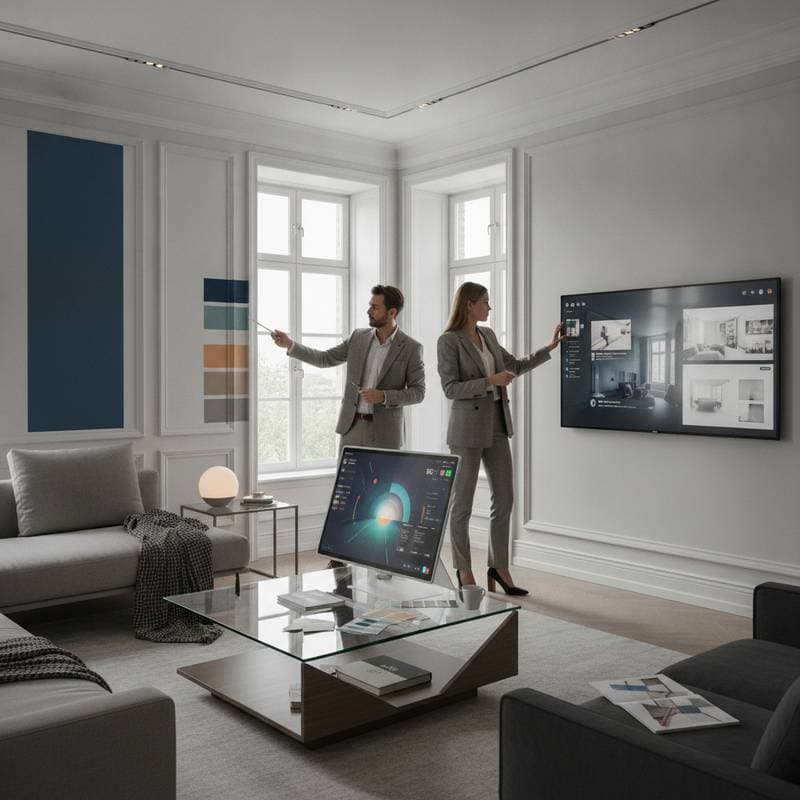
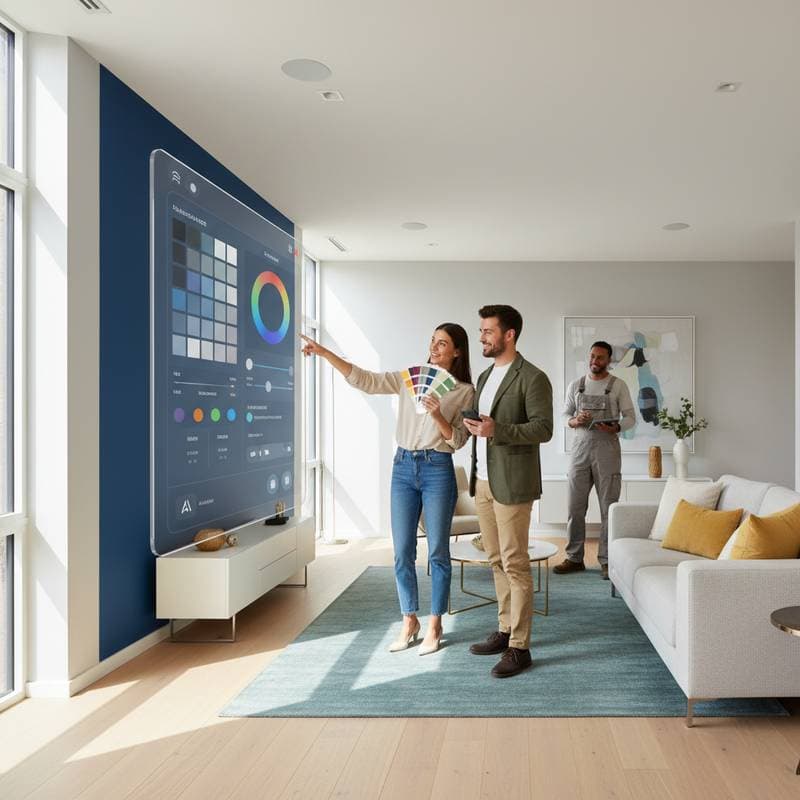
During projects, I employ these applications to demonstrate remodel possibilities to clients prior to commencement. Such previews clarify visions and accelerate choices. When a homeowner visualizes their living room transformed with varied wall hues and trim pairings digitally, it minimizes iterative discussions that prolong timelines.
AI-enhanced tools further benefit contractors by curtailing change orders. Visualized plans foster alignment and avert surprises. With consensus established before painting begins, workflows proceed efficiently and adhere to financial projections.
Frequent Errors Homeowners Encounter Without Support
-
Selecting under retail illumination
Paint retailers employ uniform lighting that seldom mirrors domestic conditions. A promising color in-store may transform dramatically at home. Test samples directly on walls beneath your lighting to confirm suitability. -
Overlooking undertones
Subtle undertones in colors can conflict with adjacent surfaces. A purported neutral gray might carry blue or brown biases clashing with cabinets or floors. AI tools scrutinize these nuances to propose cohesive pairings. -
Neglecting sheen variations
Identical hues in matte versus satin finishes yield distinct visuals. AI simulations illustrate light reflection across sheens, aiding informed purchases. -
Imbalancing warm and cool tones
Combining thermal opposites disrupts equilibrium. AI detects such mismatches and recommends modifications for unified aesthetics. -
Disregarding current materials
Existing floors, cabinetry, and trim alter wall color impressions. Intelligent software factors these into suggestion generation.
The Mechanics of Virtual Color Matching
Sophisticated platforms transcend basic shade retrieval. They dissect uploaded images at the pixel level to discern primary tones and harmonious complements, then propose equivalents from leading paint manufacturers. Many produce full palettes encompassing accent walls, furnishings, and accessories.
Consider a standard workflow:
-
Upload photographs
Capture high-resolution images of the room in daylight. The system parses colors present within the frame. -
Isolate target surfaces
Specify areas for recoloring. The tool renders variations on those zones. -
Simulate illumination shifts
Model effects from dawn, midday, or overhead lights to observe diurnal changes. -
Experiment with sheens and textures
Compare matte, eggshell, or high-gloss applications. Advanced features depict interactions with substrates like drywall or masonry. -
Export and distribute designs
Generate shareable files of palettes for contractors or suppliers, ensuring precise shade alignment and minimizing miscommunications.
This precision, formerly reserved for experts, now reaches everyday users via mobile devices or desktops.
Benefits for Contractors in Adopting AI Tools
Contractors view color uncertainty as a primary delay factor. Client vacillations disrupt schedules and inflate expenses. AI tools mitigate these issues by providing definitive visualizations.
A client-submitted digital mockup allows immediate verification of paint volumes, finishes, and techniques. This transparency shields both parties and solidifies agreements. It also supports quality assurance; post-completion queries can reference archived plans to validate adherence.
Economic Advantages of Confident Color Choices
Premium paint per gallon carries substantial cost, with full-room repaints compounding through labor. Extending across multiple spaces amplifies the toll of missteps. AI tools preempt such expenditures by facilitating assured selections pre-purchase.
Beyond paint, flawed planning influences broader choices. Clients have replaced viable countertops due to clashing walls in my projects. Proactive visualization averts these cascades. Ultimately, AI matching augments creativity while curtailing monetary exposure.
Strategies for Optimal Use of AI Tools
-
Capture precise images
Declutter the area and photograph from diverse perspectives. Sharp inputs yield superior analyses. -
Document lighting profiles
Record reliance on sunlight or fixtures. This data refines simulation accuracy. -
Anchor with preferred elements
Select an existing item like upholstery or art as a core hue; build outward from there. -
Generate variants
Develop no fewer than three iterations. Minor tonal adjustments often reveal optimal fits. -
Incorporate professional feedback
Present finalists to painters or builders for insights on longevity, compatibility, and execution.
Addressing Myths Surrounding AI in Design
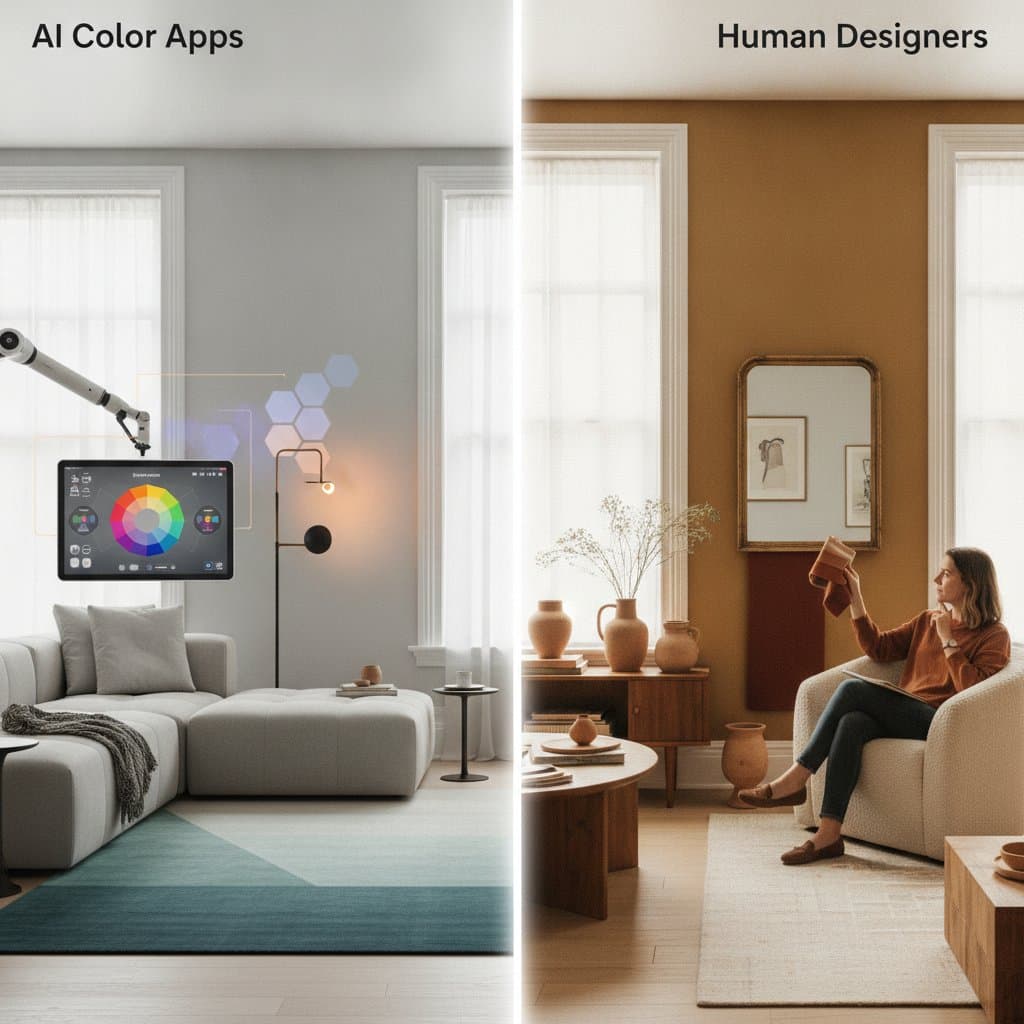
Some fear AI diminishes designer personalization. In truth, these aids enhance rather than supplant intuition; users retain decision authority. Technology merely dispels ambiguity through lifelike renditions and data.
Others deem the interfaces complex. Most operate intuitively; basic photo handling suffices for proficiency. Professionals integrate them routinely to expedite approvals and hone schemes.
Integrating Technology with Expert Insight
Daily fieldwork reveals technology's role as an enhancer of skill. Algorithms forecast compatibilities, yet they cannot capture spatial ambiance. Superior outcomes blend analytics with seasoned judgment.
For instance, software may advocate a vibrant trend, but practical counsel might favor enduring neutrals for market appeal. AI establishes foundations; experience polishes endpoints.
Safeguarding Against Subpar Applications
Quality varies among tools; rudimentary filters may mislead. To select reliably:
-
Vet providers
Opt for offerings from reputable paint firms or design software leaders. -
Review feedback
Seek endorsements affirming precision and ease. -
Validate physically
Apply test patches on walls post-simulation; digital aids inform, not dictate. -
Prioritize security
Use apps requesting minimal access, such as images only, to uphold privacy.
Emerging Trends in Home Color Planning
AI systems gain prominence in remodeling practices. Advancements promise VR integration and smart lighting synchronization. Envision navigating a virtual home, altering hues via commands; such immersion accelerates and refines choices.
Steps to Implement AI-Assisted Color Planning Today
Begin by identifying a room needing refreshment. Download a vetted AI tool and upload current photos. Iterate through simulations, refine based on lifestyle needs, and collaborate with pros for execution. This approach yields transformed spaces without the pitfalls of guesswork, delivering lasting satisfaction and savings.